What to Do If You Disagree with Your Cars24 Inspection Report
- 1Dispute incorrect inspection findings with a clear, structured process
- 2Raise complaints via email, call, or in-app support easily
- 3Get errors corrected or request a re-inspection for accuracy
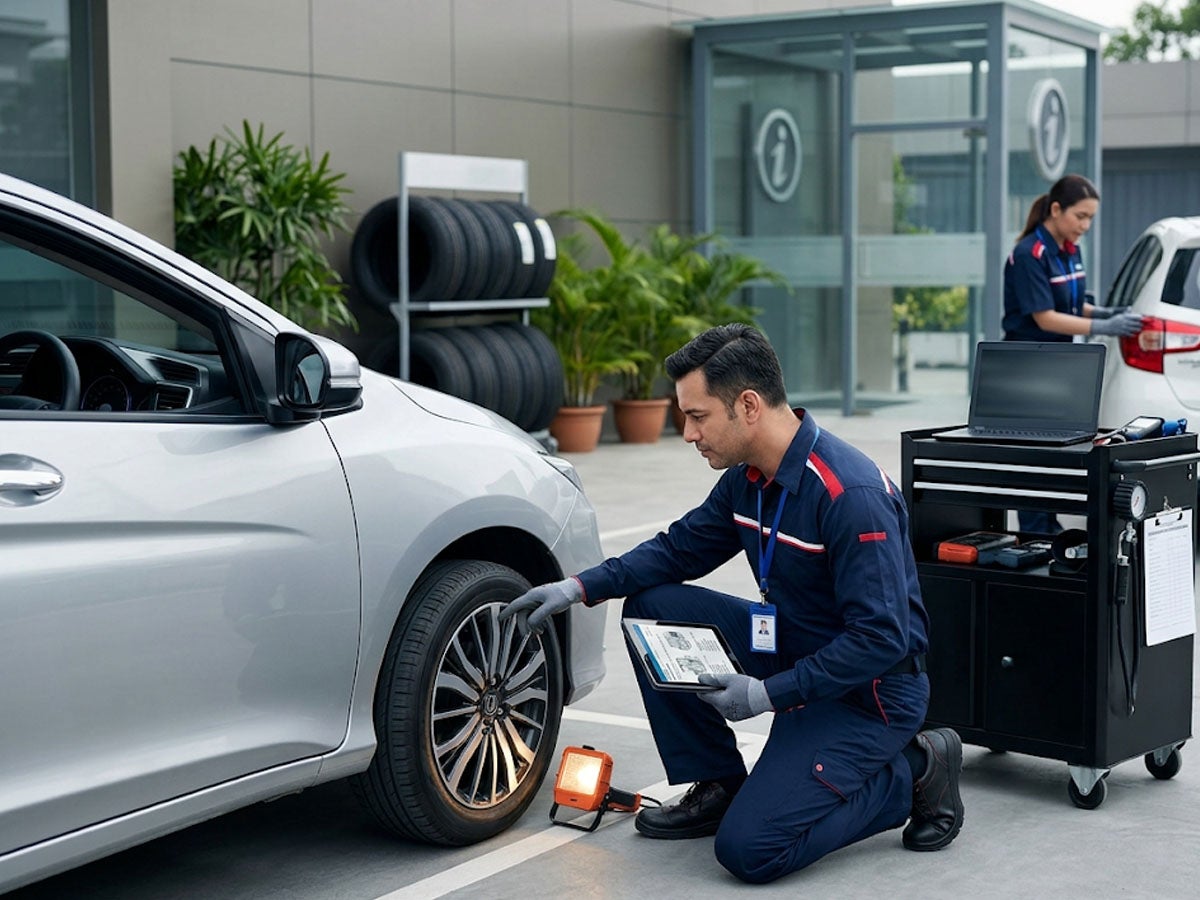
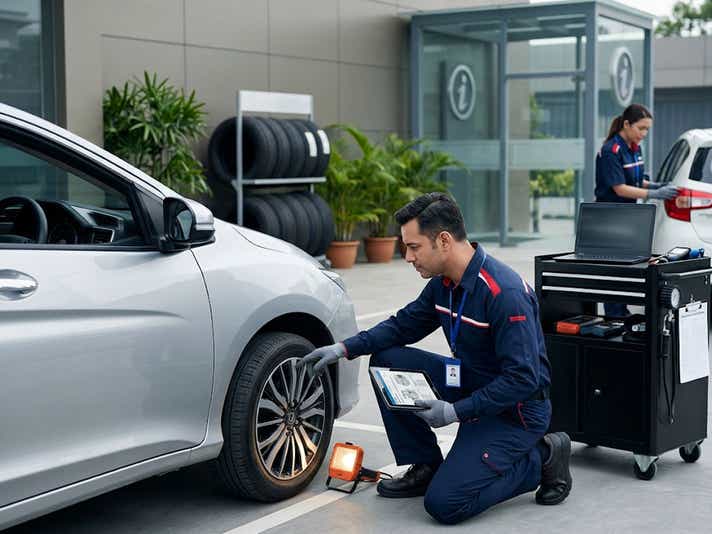
The Cars24 inspection is conducted by trained professionals who assess your vehicle against objective benchmarks. In most cases, the report gives sellers a clear and accurate picture of their car’s condition. But inspections are carried out by people, and people can miss things. If you receive your inspection report and believe it contains an error, marks a problem that does not exist, or has missed something you know was assessed, you have a clear path to raise a dispute.
Cars24 has a structured process for handling inspection-related complaints. This article explains how it works, step by step.
Step 1: Review the Report Carefully Before Raising a Dispute
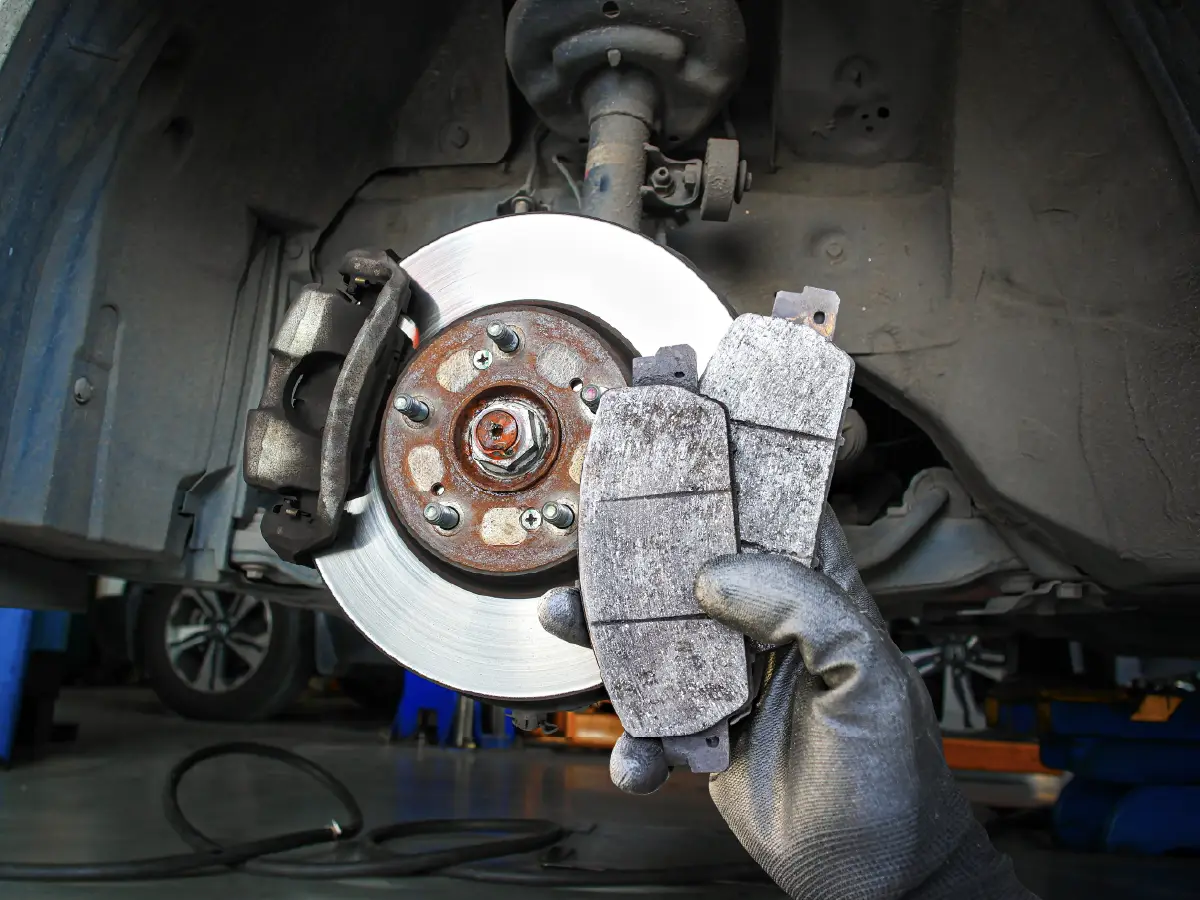
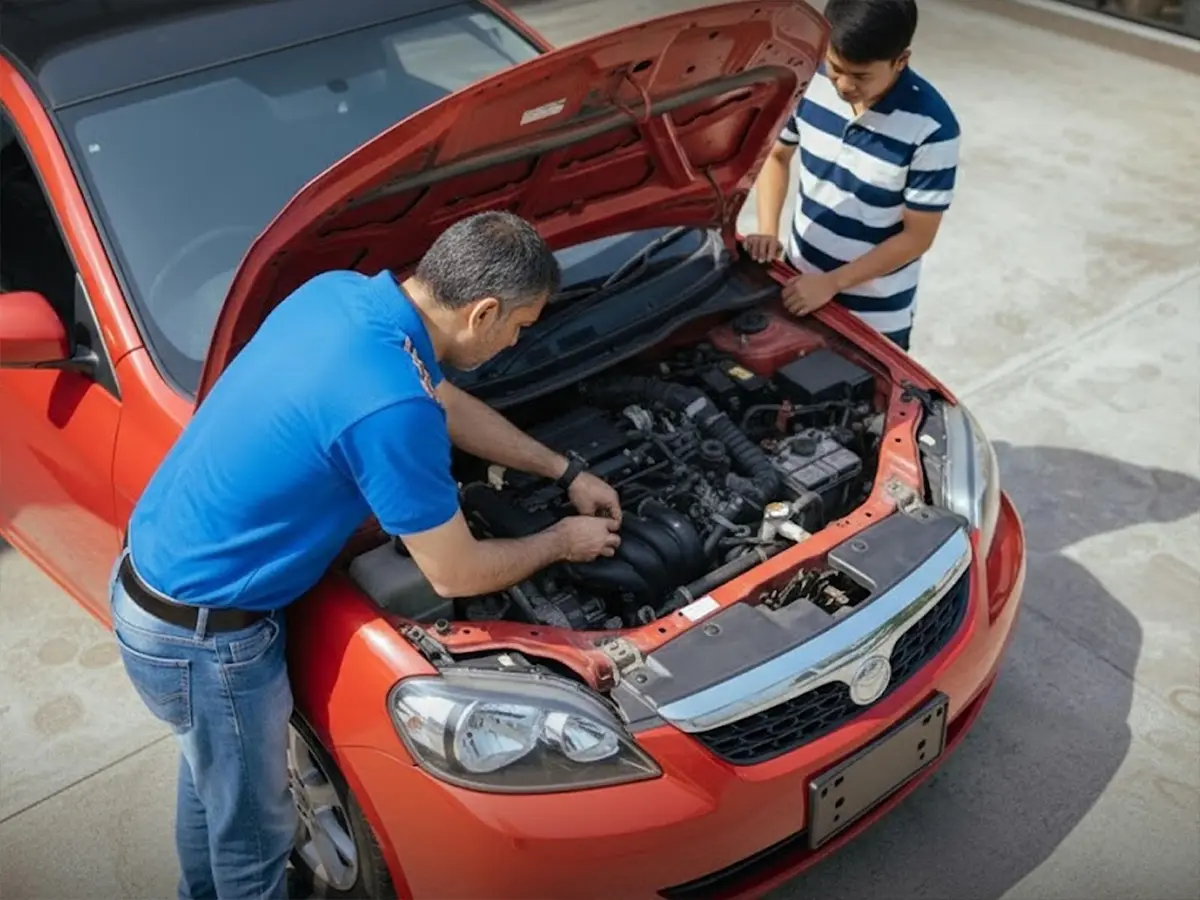
Before raising a complaint, go through the inspection report in detail. Cars24 inspectors assess the car across multiple parameters: exterior bodywork, paint condition, tyres, interior, electrical systems, mechanical components, and engine condition. Each parameter is rated and some are accompanied by notes.
It helps to be specific about what you disagree with. Broad disagreement with the overall report is harder to resolve than a specific, identifiable error. For example: a panel marked as dented when it is not, a tyre rated as worn when it was recently replaced, or an electrical item flagged as non-functional when it works correctly. The more precisely you can identify the issue, the faster the grievance team can review it.
Step 2: Raise Your Complaint Through Any of These Three Channels
Cars24 gives you three ways to raise a complaint about your inspection report. You can use whichever is most convenient.
Write to Cars24’s customer support team with your registered mobile number, car details, inspection date, and a clear description of which finding you disagree with and why. If you have photographs that support your position, attach them. Email creates a written record of your complaint from the start, which can be useful if the matter requires follow-up.
Phone
You can call Cars24’s customer support line and raise the dispute verbally. Keep your inspection report, booking ID, and car details available before you call. The support team will log the complaint and initiate the review process on your behalf.
Help and Support Section on the App or Website
The Cars24 app and website include a Help and Support section where you can raise a query or complaint directly against your inspection booking. This is a convenient option if you want to track the status of your complaint within the same platform where your sale is being managed.
Step 3: The Grievance Team Reviews Your Complaint
Once your complaint is received, it is assigned to Cars24’s grievance team. This team is separate from the inspection function. Their role is to review the complaint objectively, looking at the original inspection report, the inspector’s findings and any supporting notes, and the specific objection you have raised.
The grievance team validates whether the reported finding is consistent with the evidence available. This may involve reviewing photographs taken by the inspector during the assessment, cross-checking the reported condition against the standard assessment criteria, and reviewing any documentation or photographs you have submitted in support of your complaint.
Step 4: Report Updated or Re-inspection Arranged
After the review, one of two outcomes will apply depending on what the grievance team finds.
Report Updated
If the grievance team determines that the inspection report contains an error that can be corrected based on the available evidence, the report is updated accordingly. An incorrect rating for a specific parameter, an inaccurate note, or a finding that is not supported by the inspection evidence will be corrected. You will be informed of the update.
Re-inspection Arranged
If the disputed finding requires a physical reassessment that cannot be resolved through the available evidence alone, a re-inspection of the vehicle is arranged. A different inspector carries out the re-inspection and a revised report is generated based on the fresh assessment. If the re-inspection confirms the original findings, the original report stands. If it identifies a discrepancy, the report is updated to reflect the correct condition.
What This Process Means for You as a Seller
You are not required to accept an inspection report you believe is inaccurate. The dispute process exists specifically to catch errors and correct them before they affect the price your car receives in the auction. A more accurate inspection report leads to more accurate bidding, which is in the interest of both the seller and Cars24.
The key is to raise your objection promptly, be specific about what is wrong, and provide supporting evidence where you have it. The grievance team’s job is to review the report fairly and ensure what goes to the dealer auction reflects your car’s actual condition as accurately as possible.
Frequently Asked Questions
Expand all