How to Find Your Driving Licence Number: DL Number Search by Name & DOB
- 1Lost your DL card? Recover the number online in minutes legally
- 2Why your DL number may not appear on Parivahan and how to fix it
- 3Five reliable ways to retrieve your driving licence number in India
- Why You May Need to Conduct a Driving Licence Number Search
- Decoding Your DL Number: What the Digits Mean
- Method 1: The Official Route via the Parivahan Sewa / Sarathi Portal
- Method 2: Mobile-Friendly Lookup Using the mParivahan App
- Method 3: Retrieving Your DL via DigiLocker
- Method 4: The Offline Approach: Contacting Your Issuing RTO
- Method 5: Dig Through Your Digital Footprint (Emails & SMS)
- Troubleshooting: Why Your DL Number Isn't Showing Up on Parivahan
- Next Steps: Maximising Your Recovered DL Number
- Beyond the Digits: Understanding and Obtaining a DL Extract
- Safeguarding Your Data: Why Driving Licence Privacy Matters
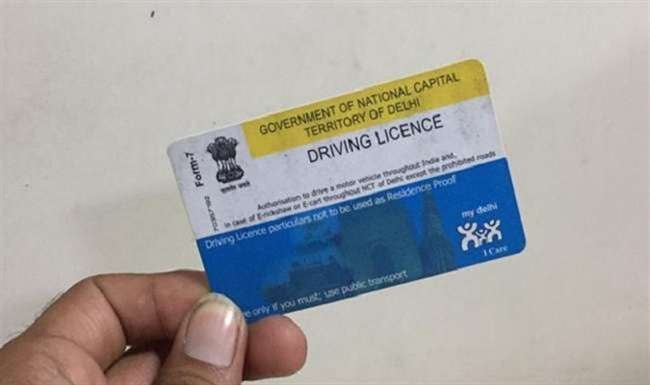
Your driving licence number is one of those crucial details you usually don't think about until the exact moment you desperately need it. Whether you are renewing a vehicle insurance policy, undergoing a mandatory background check for a new job, or trying to sync your digital driving records, those specific digits are unavoidable. If you have misplaced your physical card, lost your saved digital data, or simply never wrote the details down, conducting a DL number search by name and date of birth is the quickest path to recovery.
This comprehensive guide walks you through five highly reliable methods to retrieve your driving licence number in India, ranging from the official Parivahan portal and DigiLocker to your local RTO. We will also help you troubleshoot those frustrating "DL number not found" errors so you can retrieve your data without the headache.
Why You May Need to Conduct a Driving Licence Number Search
Before we dive into the step-by-step process, it is helpful to understand the practical situations that necessitate a driving licence number search in India. Having this information on hand is essential for several legal and administrative requirements:
- Insurance Formalities: Whether you are applying for a new policy or renewing existing coverage for two-wheelers or four-wheelers, the DL number of the policyholder (and sometimes the nominee) is a mandatory field.
- Employment Verification: If you are applying for roles in logistics, courier services, or with cab aggregators, companies perform a background check that requires your DL details. Many government positions also mandate this verification.
- Requesting a Duplicate DL: If you lose your physical card, you must find your driving license number online to initiate a duplicate application through the Sarathi portal. Without this number, the system cannot retrieve your existing records.
- Digital Integration: To carry a digital version of your license on the mParivahan or DigiLocker apps, you need the DL number to fetch and verify your data from the national registry.
- Vehicle Rentals and Leasing: Car rental services and long-term vehicle lease providers require your license details to finalise the rental agreement and ensure legal compliance.
Banking and KYC: Many financial institutions recognise the driving licence as a valid identity document. To complete the KYC process, you will need to provide the specific document number for their records.
If you find yourself in any of these situations without your physical card, performing a DL number search by name or date of birth is the most efficient way to recover your information.
Decoding Your DL Number: What the Digits Mean
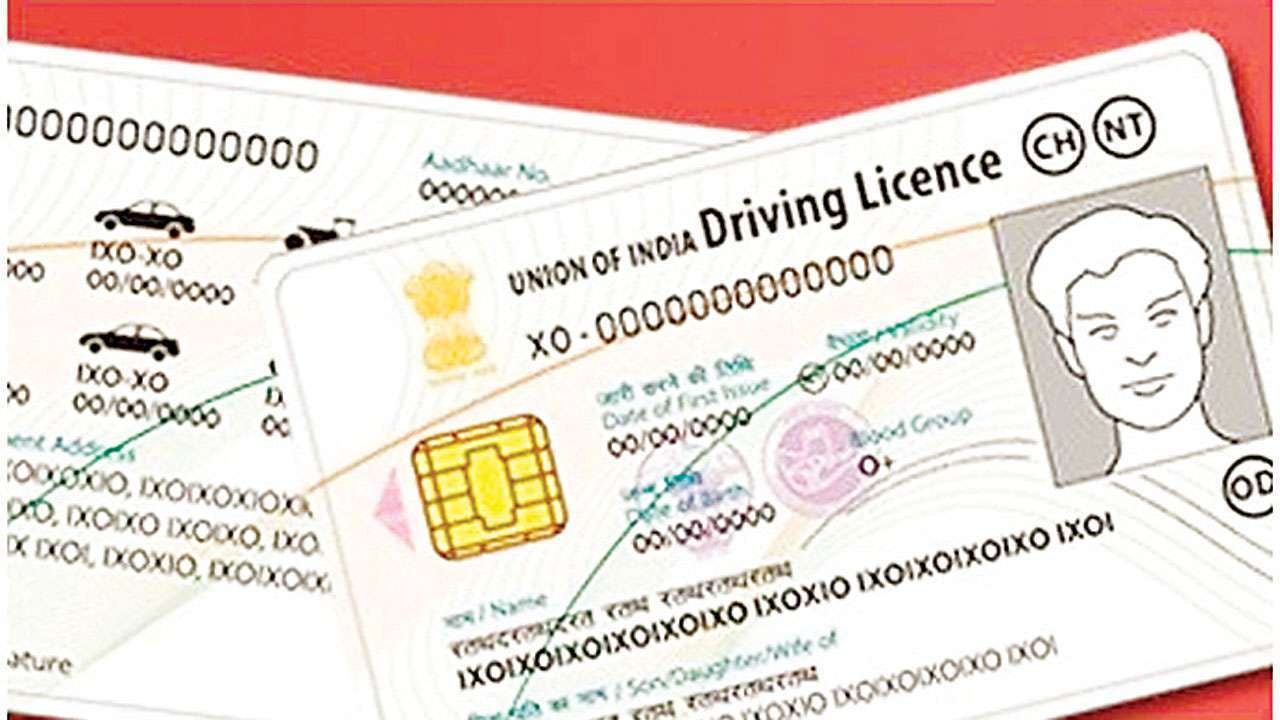
Have you ever wondered what the 15-character alphanumeric string on your driving licence actually stands for? It isn't just a random assortment of characters. The Indian driving licence follows a strict, standardised format across the country that instantly reveals exactly where and when your credential was issued.
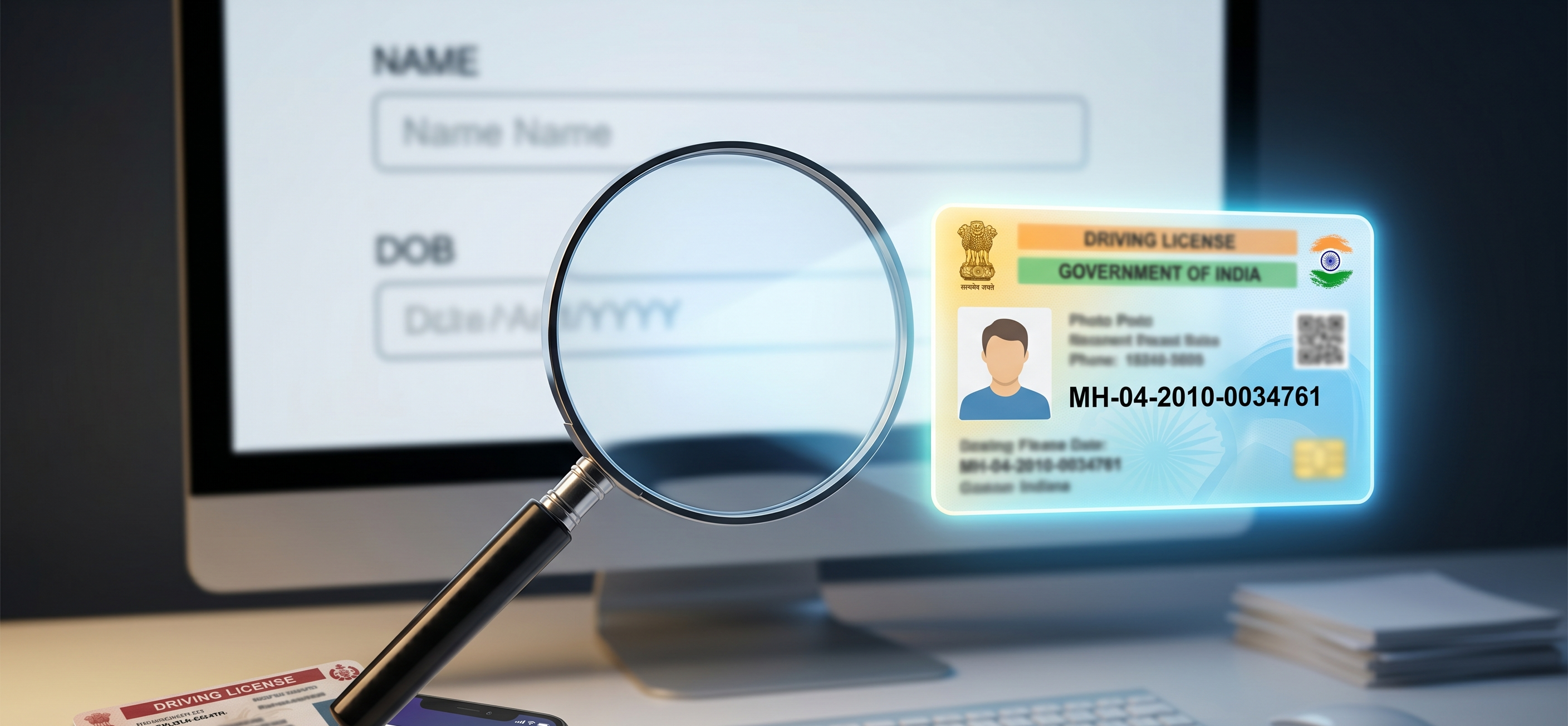
Let’s break down a typical DL number (using the fictional example MH-04-2010-0034761):
- The First Two Letters (MH): This represents the State Code where the licence was issued. For instance, "MH" stands for Maharashtra, "DL" for Delhi, or "KA" for Karnataka.
- The Next Two Digits (04): This indicates the specific RTO Code (Regional Transport Office) within that state that processed your original application.
- The Following Four Digits (2010): This marks the exact Year of Issue. Knowing this is incredibly helpful if you are conducting a DL number search by name and need to identify your specific record from a list of people with the same name.
The Final Seven Digits (0034761): This is your Unique Identification Number. It is a sequentially generated string of digits specific to you for that given year and RTO.
Why this matters: Understanding this basic anatomy is particularly useful when verifying documents or troubleshooting portal errors. By simply glancing at the format, you can immediately confirm if you are searching under the correct state and year in the database.
Method 1: The Official Route via the Parivahan Sewa / Sarathi Portal
The most reliable way to conduct a DL number search by name and date of birth is directly through the Ministry of Road Transport and Highways' official database. If you are trying to recover a lost driving license number, this should be your first stop.
- Navigate to the Portal: Visit parivahan.gov.in. Under the 'Online Services' drop-down menu, click on 'Driving Licence Related Services'.
- Select Your State: Choose the state where your license was originally issued to be redirected to the regional Parivahan Sewa / Sarathi portal.
- Access the Search Tool: On the top menu bar, hover over the ‘Others’ tab and click on ‘Find DL’.
- Input Your Details: Enter your full name exactly as it was printed on your license, your date of birth, and the required captcha code.
- Review Results: Submit the form. If your details match the database, your DL number will be displayed on the screen.
Verify and Save: Safely record your number. If you have a common name and multiple records appear, you can usually identify your specific license by cross-referencing the issue year or the RTO code prefix.
Method 2: Mobile-Friendly Lookup Using the mParivahan App
If you prefer using your smartphone, the mParivahan application is an incredibly convenient way to check DL details on the go. It pulls real-time data directly from the national registry.
- Launch the App: Download and open the mParivahan application (available for free on both iOS and Android).
- Locate the Search Feature: On the main dashboard, look for the 'Know Your DL' feature or the standard search option within the DL section.
- Enter Search Criteria: Input your full name, date of birth, and issuing state. (Note: Depending on the app version, you might also have the option to search using your Aadhaar number)
Retrieve Your Number: The app will scan the Sarathi database and return matching records, allowing you to easily find your driving license number online directly through your phone.
Method 3: Retrieving Your DL via DigiLocker
If you proactively set up a digital wallet before losing your physical card, retrieving your document details is incredibly straightforward.
- Access Your Account: Open the DigiLocker app or log in via digilocker.gov.in.
- Navigate to Documents: Go directly to your 'Issued Documents' folder.
- Open the License: Locate and click on your driving licence record.
View Your Details: Your complete DL number will be prominently displayed on the digital face of the document.
Important Note: This method only works if you successfully fetched and saved your license to DigiLocker in the past. If you are setting up your account for the first time, you will still need your document number to sync it. In that scenario, use Method 1 or 2 to complete your DL number search by name first.
Method 4: The Offline Approach: Contacting Your Issuing RTO
When online portals aren't yielding results, don't panic. Reaching out directly to your Regional Transport Office (RTO) serves as a highly reliable fallback for a DL number search by name and date of birth.
If you plan to visit the office in person, the licensing officer can manually query the backend of the Sarathi portal to retrieve your records. Be prepared to submit a formal written application, depending on the specific RTO's protocol.
Make sure you have the following details and documents handy:
- Your exact full name as printed on the original license.
- Your date of birth.
- The approximate year the license was issued.
- The specific RTO location (if you remember it).
A government-issued ID (your Aadhaar card is best for identity verification).
If visiting isn't feasible, you can try calling your local RTO office directly or dialling the national Parivahan helpline at 0120-2459169 for guidance.
Method 5: Dig Through Your Digital Footprint (Emails & SMS)
While this isn't an official database query, searching your personal inbox is often the fastest way to recover a lost driving license number. The government's digital infrastructure automatically sends confirmation alerts when a license is processed, issued, or updated.
How to scour your Email:
- Search for senders like "Sarathi," "Parivahan," or official domains like noreply@sarathi.gov.in.
Use keywords such as "driving licence," "DL issued," or "application confirmed" in your search bar.
How to scour your SMS Text Messages:
- Look for automated sender IDs containing "VAHAN," "SARATHI," or specific state transport short codes.
Scroll back to messages received around the time you passed your driving test or renewed your license.
Troubleshooting: Why Your DL Number Isn't Showing Up on Parivahan
Hitting a wall with your portal query? If your driving licence number by name and date of birth search is coming up completely empty, don't worry. Here are the most common roadblocks keeping you from your data and exactly how to bypass them:
Spelling Discrepancies: The Sarathi database requires a precise character match. A minor typo made by a clerk years ago (for example, registering "Nitesh" instead of "Nitish") will derail your results.
The Fix: Experiment with different phonetic spellings, initial combinations, or common typos of your name.
Selecting the Incorrect State: Your DL number is strictly tethered to its issuing jurisdiction. If you recently relocated and officially transferred your driving credentials, the active record might now sit in your new state's registry.
The Fix: Run the search twice, checking both your previous and current home states.
Pre-Digitisation Paper Records: If you acquired your license before 2012, there is a chance your local district hasn't fully migrated its legacy paper files to the digital grid.
The Fix: Online methods won't work here. You will need to physically visit your issuing RTO so they can manually pull from the old ledgers.
Date of Birth Mismatches: A clerical error regarding your birth year or day during the initial application will prevent the system from authenticating your identity.
The Fix: Double-check your formatting. If you suspect the RTO permanently recorded your DOB incorrectly on the original document, you will need to contact them directly to identify the error.
Major Data Entry Errors: Occasionally, a license is processed with such a severe name variation or error that guessing the "correct" wrong spelling is impossible.
The Fix: An RTO official can perform a deeper, manual backend search using auxiliary details to locate your file and initiate a formal name correction.
Next Steps: Maximising Your Recovered DL Number
Successfully recovering your lost driving license number opens the door to restoring your full driving privileges and knocking out necessary administrative tasks. Now that you have the digits in hand, here is what you can do:
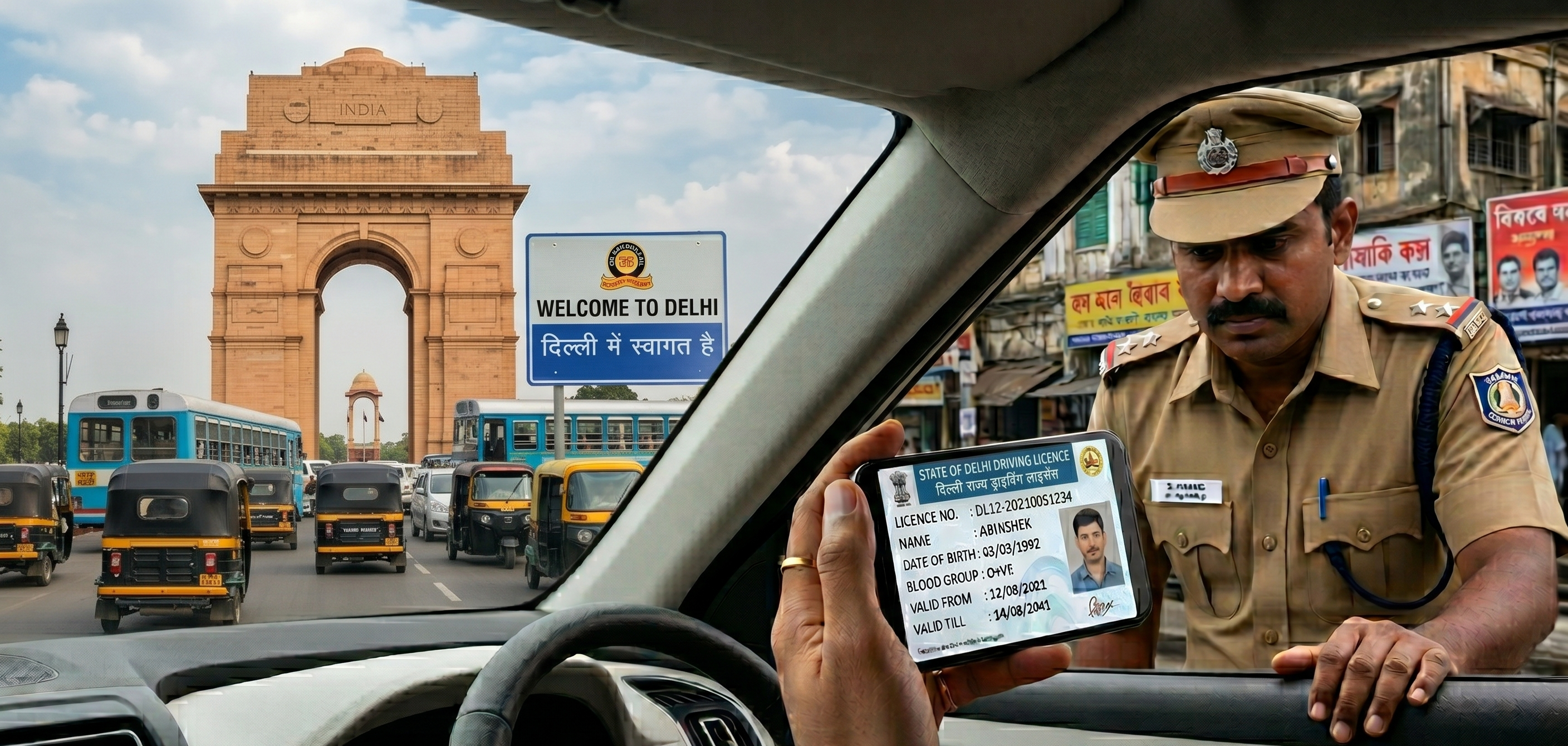
- Digitise Your Credential: Link the number to your DigiLocker account or the mParivahan app. This generates a legally recognised digital copy of your driving licence, which is perfectly valid for on-the-spot roadside verification by traffic police.
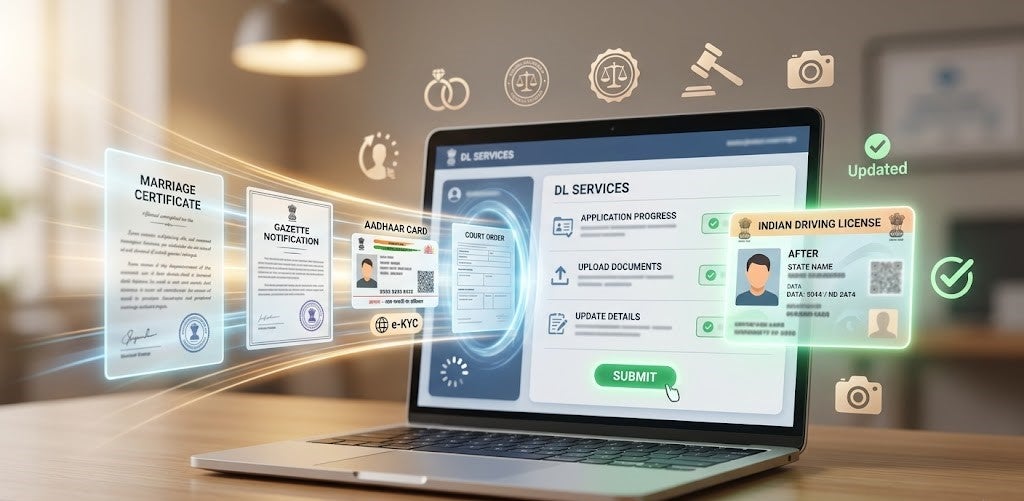
- Request a Replacement Card: Use your retrieved number on the Parivahan Sewa / Sarathi portal to officially apply for a duplicate physical DL to be mailed to your address.
- Clear Administrative Hurdles: Instantly submit your driving details to finalise bank KYC verifications, complete insurance renewals, or pass employer background checks.
Secure Your Data: Don't risk losing it again! Immediately save the number in a password-protected notes app, email it to yourself, or keep it permanently backed up within your digital wallet.
Beyond the Digits: Understanding and Obtaining a DL Extract
While performing a quick search to check DL details is great for basic needs, simply having the number memorised isn't always enough for strict official procedures. If you are planning to drive abroad and need an International Driving Permit (IDP), applying for certain visas, or undergoing a rigorous corporate background check, you will likely be asked to provide a DL Extract (Form 7).
What is a DL Extract?
A DL Extract is an official, authenticated document generated by your RTO that provides a comprehensive, certified history of your driving record. Rather than just proving you have a number, Form 7 validates your exact license class, original date of issue, validity period, and explicitly lists any endorsements or traffic penalties tied to your name.
How to Apply for a DL Extract Online:
Once you have successfully tracked down your DL number, securing this certified document is a straightforward process:
- Navigate back to the official Parivahan Sewa / Sarathi portal.
- Select 'Driving Licence Related Services' from the main menu and choose your state.
- Click on the 'DL Services (Replace of DL/Others)' option.
- Enter your newly recovered DL number and your date of birth to authenticate your profile.
From the list of available services, select 'DL Extract'. Fill out the brief application form, pay the nominal government processing fee, and generate your official Form 7.
Safeguarding Your Data: Why Driving Licence Privacy Matters
While this guide demonstrates how straightforward it is to perform a DL number search by name and date of birth, it also highlights how easily your information can be accessed if you aren't careful. To protect your identity and maintain your digital security, keep these safety protocols in mind:
- Avoid Unverified Platforms
- Beware of Third-Party "DL Lookup" Sites
- Trust Only the Official Parivahan Source
It's also a good idea to check traffic challan regularly on your vehicles to prevent any potential DL suspensions because of pending fines.
Frequently Asked Questions
Expand all