How to Apply for a Learner’s Licence Online in India: Complete Step-by-Step Guide
- 1Avoid common mistakes that instantly fail the online LL home test
- 2Understand the 16-year-old scooter rule most applicants misunderstand
- 3Set up your learner’s licence entirely online through the Sarathi portal
- What a Learner’s Licence Is (and What It Requires of You While Driving)
- Eligibility and the Age Rules for Each Vehicle Category
- Documents Required for the LL Application
- Learner Licence Fees in India
- Can I Apply for LL Without Aadhaar?
- How to Apply for Learner’s Licence Online via Parivahan
- The Online LL Test: How to Pass the RTO Home Exam
- Learner Licence Validity, Rules, and What Comes Next
- How Long Does the LL Take to Come After the Test?
The Learner’s Licence is the first document the Indian licensing system issues to a driver. Everything that follows, including the practice sessions, the permanent DL application, and the driving test, depends on holding a valid LL. The process of getting one has changed considerably for most applicants; the Sarathi portal’s Aadhaar e-KYC route now allows a fully online application with the theory test taken from home. No RTO visit required.\
This guide covers the complete learning licence online application process: the Aadhaar versus non-Aadhaar routes and what each involves, eligibility rules including the one exception people consistently misread, the home test rules in full, documents, fees, and what happens to your LL after it is issued.
What a Learner’s Licence Is (and What It Requires of You While Driving)
A Learner’s Licence is a temporary driving permit issued by the Regional Transport Office under the Motor Vehicles Act, 1988. It authorises you to learn to drive on public roads, but only under specific conditions. Understanding those conditions matters because violating any of them is a traffic offence, not a minor procedural slip.
The Two Rules You Cannot Ignore While Driving on an LL
- Display the L board at all times: A red ‘L’ on a white background, placed visibly on both the front and rear of the vehicle. Driving without it is an offence.
- Never drive alone: A person holding a valid permanent driving licence for the same vehicle class must be seated beside you during every practice session. Driving solo on a Learner’s Licence is a traffic violation regardless of how empty the road is.
Eligibility and the Age Rules for Each Vehicle Category
The minimum age depends on the vehicle class you are applying for. The table below sets out the exact breakdown:
| Vehicle Category | Minimum Age | What It Covers |
| Motorcycles without gear (MCWOG); sub-50cc / lo gearw-power only | 16 years | Mopeds, gearless scooters with engine below 50cc only , NOT a standard Activa or Jupiter |
| MCWOG (standard gearless scooters/e-bikes) | 18 years | Honda Activa, TVS Jupiter, Ola S1, standard electric scooters |
| MCWG (geared motorcycles) | 18 years | Royal Enfield, Bajaj Pulsar, Hero Splendour; all geared bikes |
| LMV-NT (personal car) | 18 years | All personal cars, jeeps, and SUVs for non-commercial use |
| LMV-TR (commercial vehicle) | 18 years | Taxi, cab, light commercial delivery vehicles |
| HMV (heavy motor vehicle) | 20 years | Trucks, buses, heavy commercial vehicles; must hold LMV DL for 1+ year first |
The 16-Year-Old Activa Myth: What Parents Need to Know
This is the most common eligibility misreading in the entire LL process. A 16-year-old is only eligible for an LL covering motorcycles without a gear rated below 50cc. That category covers mopeds, low-speed gearless two-wheelers, and very specific sub-50cc vehicles.
The Honda Activa, TVS Jupiter, Suzuki Access, Yamaha Fascino, and virtually every standard electric scooter, including the Ola S1 and Ather 450 , are not sub-50cc equivalents. They exceed either the engine displacement limit or the equivalent power threshold for the 16-year category. An LL obtained for a 16-year-old does not cover these vehicles.
Applying for a 16-year-old’s LL so they can ride an Activa or a standard electric scooter to school is not a legal workaround. It is an invalid application for the wrong vehicle class, and the 16-year-old riding that scooter on that LL is technically unlicensed. The minimum age for a standard MCWOG LL covering these scooters is 18.
Documents Required for the LL Application
Gather these before opening the portal. The Aadhaar route auto-fills most fields, but uploads are still required.
Proof of Age (any one)
- Aadhaar Card
- Class 10 board marksheet
- Birth Certificate
- Passport
- School Leaving Certificate with date of birth
Proof of Address (any one)
- Aadhaar Card (mobile-linked, immediately digital)
- Voter ID
- Passport
- Utility bill (electricity, water, or telephone) not older than 3 months
- Bank passbook with current address
- Rental agreement
Additional Items
- Passport-size photographs, white background, recent
- Mobile number linked to Aadhaar (for Aadhaar route OTP)
- Form 1 (Medical Self-Declaration), filled online during the application
- Form 1A, required additionally for transport vehicle classes (MCWG-TR, LMV-TR); must be signed by a registered medical practitioner and uploaded
Before uploading anything on the Sarathi portal, review the complete checklist of documents required for Learner's Licence applications in India.
Learner Licence Fees in India
| Service | Approximate Fee |
| LL Application (per vehicle class) | ₹150 to ₹300 |
| LL Theory Test Re-attempt | ₹50 to ₹150 |
| LL Smart Card Issue | ₹100 to ₹200 |
| Exact fees are shown on the Sarathi portal at payment. Payment accepted via UPI, debit/credit card, or net banking. | |
Can I Apply for LL Without Aadhaar?
Yes, you can apply for LL without Aadhaar, but having an Aadhaar card significantly simplifies the process. Without Aadhaar, you will need to provide alternative age and address proof documents and may be required to visit the RTO for manual verification.
With Aadhaar-based verification enabled on the Sarathi portal, much of the identity confirmation happens automatically via Aadhaar OTP authentication, making the LL apply online India experience much faster.
How to Apply for Learner’s Licence Online via Parivahan
The steps below follow the Aadhaar route, which is the recommended path for most applicants. The non-Aadhaar route follows the same sequence but requires manual document verification at the RTO.
1. Open the Sarathi portal.
Go to parivahan.gov.in, and select Driving Licence Related Services from the Online Services menu. Then, Select your state. You will land on the state-specific Sarathi portal.
2. Click Apply for Learner’s Licence.
On the menu, select Apply for Learner’s Licence. This launches the LL application form.
3. Complete Aadhaar e-KYC.
Enter your Aadhaar number. An OTP is sent to your Aadhaar-linked mobile number. On verification, the portal auto-fills your name, date of birth, gender, and address from the UIDAI database. Review the pre-filled data carefully; if any field is outdated (particularly the address), note it and update your Aadhaar via UIDAI before proceeding.
4. Fill remaining application fields.
Complete the fields not auto-filled: current mobile number, email address, and blood group. For transport licence applicants, additional nominee and employer fields may appear.
5. Select vehicle class(es).
Choose the vehicle categories your LL will cover. You can select multiple classes in a single application. Each class carries its own fee. Common classes:
- MCWOG: Motor Cycle Without Gear; gearless scooters, automatic two-wheelers
- MCWG: Motor Cycle With Gear; standard geared motorcycles
- LMV-NT: Light Motor Vehicle Non-Transport; personal car, SUV, jeep
- LMV-TR: Light Motor Vehicle Transport; taxi, cab, light commercial vehicle
6. Upload documents.
Upload your age proof, address proof, and passport photograph. Files must be in JPG or PDF format and within the portal’s size limit (typically 100 KB to 200 KB per file). Compress images beforehand if needed.
7. Complete Form 1 (Medical Declaration).
Fill in the online self-declaration confirming medical fitness to drive. For transport vehicle classes, upload the signed Form 1A from a registered doctor separately.
8. Pay the LL application fee.
The portal calculates the total fee based on your state and selected vehicle classes. Pay via UPI, net banking, or debit/credit card. Save the payment receipt or screenshot, as you will need the application number for the test booking.
9. Book your LL theory test slot.
For the Aadhaar route (Faceless LL), you book a home test via webcam. For the non-Aadhaar route, you book a slot at the RTO computer terminal. Select your preferred date and time. Confirm the booking and save or screenshot the confirmation.
10. Appear for and pass the theory test.
The Faceless LL home test and the RTO terminal test are covered in full in the next section.
After completing the mandatory 30-day learner period, you can move to applying for permanent driving licence application process through Parivahan.
The Online LL Test: How to Pass the RTO Home Exam
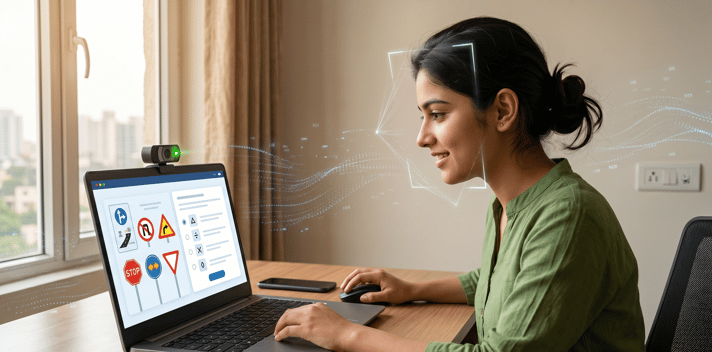
The Faceless LL (also referred to as the Doorstep LL or Home LL test) is the result of Aadhaar e-KYC enabling identity verification without the applicant physically visiting an RTO. If you applied via the Aadhaar route, your theory test is conducted from your home using a laptop or desktop computer with a working webcam.
The portal connects you to the test interface at your booked time. The AI system monitors your session throughout. Here is exactly what the test requires and what causes an immediate fail:
Setup Requirements for the Home Test
- A laptop or desktop computer with a working webcam (not a phone camera pointed at a laptop)
- A stable internet connection , dropped connectivity mid-test may not allow continuation on the same session
- Good lighting on your face , the camera must clearly see your features throughout the session
- A quiet space where no one else will enter the frame unexpectedly
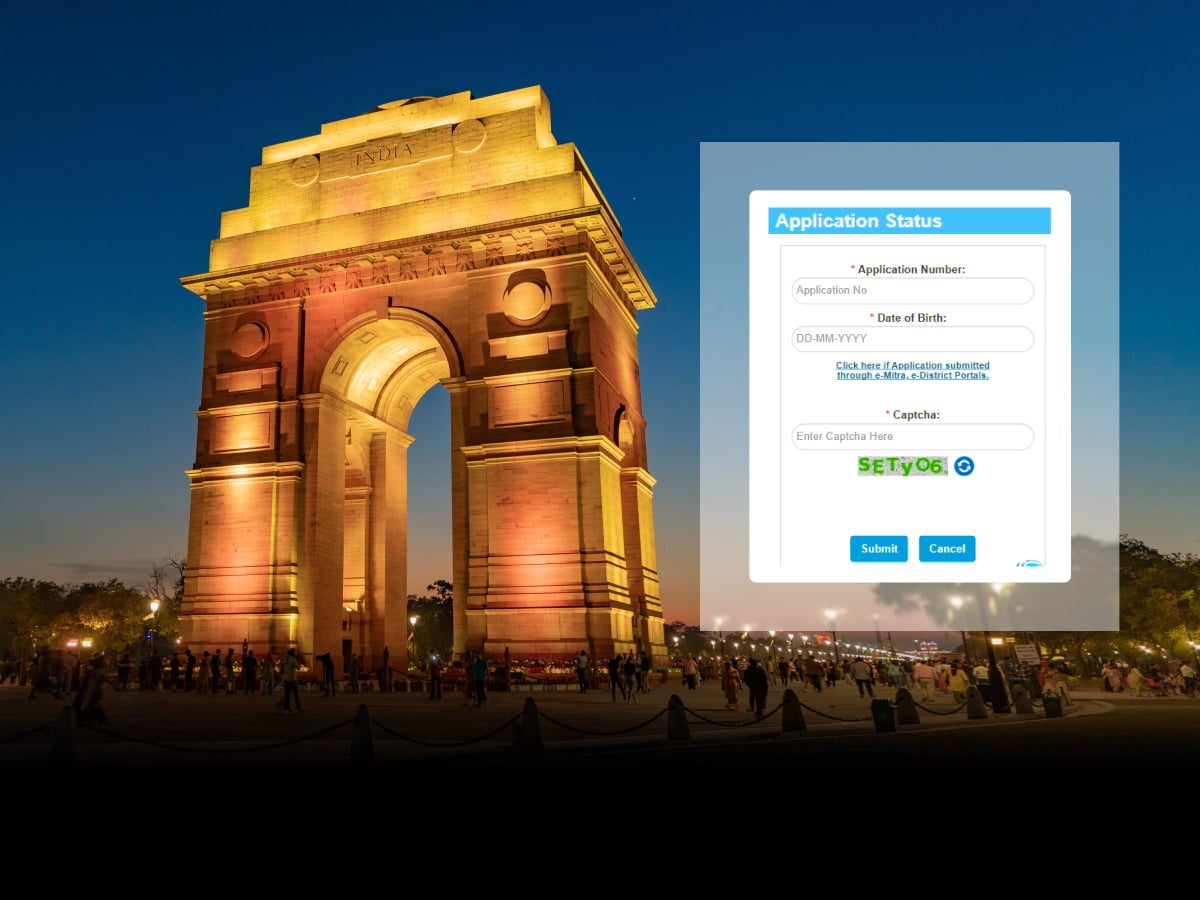
- Your Aadhaar or application number and date of birth ready for the login step
What the AI Facial Recognition System Monitors
The portal’s AI system tracks your face throughout the exam. The following actions trigger an immediate test lockout and mark the attempt as failed:
- Looking away from the screen: Any sustained gaze away from the camera frame is flagged. Looking to the side to read notes or check your phone registers as an attention failure.
- Using your phone: If you are seen reaching for or looking at a phone during the test, the session is flagged. Leave your phone in another room.
- Another person walking into the camera frame: Any additional face entering the camera’s view triggers an alert. Ensure the room is clear and that no one enters during the test duration.
- Face obscured or absent: Leaning back out of frame, adjusting lighting that washes out your face, or blocking the camera inadvertently will flag the session.
The Test Format Itself
- Questions: 15 to 20 multiple-choice questions, depending on the state
- Duration: 15 to 20 minutes
- Languages: English, Hindi, and most major regional languages; select at booking
- Passing score: Typically 60 per cent, varies by state
- Topics: Road signs and markings, traffic rules, driving etiquette, vehicle safety, basic first aid
Practice Before You Sit the Test
The official Sarathi portal has a mock test section at parivahan.gov.in with the same format and question types used in the actual LL exam. Run through at least two full mock sessions before your test date. Road sign recognition accounts for a significant portion of the questions , review all sign categories, not just the ones you encounter daily.
Learner Licence Validity, Rules, and What Comes Next
The 180-Day Timeline
Your LL is valid from the date of issue to exactly 180 days later. Here is how the window breaks down:
- Day 1 to Day 30: Mandatory holding period. You cannot apply for a permanent DL during this time.
- Day 31 to Day 160: Your practical window. Apply online, book your driving test slot, and complete the test. Leaving this to the final weeks is a risk; popular RTO test slots fill weeks in advance in cities.
- Day 161 to Day 180: Emergency buffer only. If you have not booked a test by this point, you are cutting it dangerously close to expiry.
- Day 180+: LL expired. You must reapply from the beginning.
If you are struggling to find a driving test appointment, our detailed guide on how to book a DL test slot online explains when new Sarathi slots usually open.
While Your LL Is Active: What Is Legal
Drive the vehicle class(es) covered on your LL, not any others
Display L boards on the front and rear of the vehicle at all times while you are driving
Have a permanent DL holder in the vehicle with you every time you drive
Drive on any public road in India, an LL issued in one state is valid across all states
How Long Does the LL Take to Come After the Test?
Once you pass the theory test, your LL record is updated in the Sarathi national database immediately. How you access it depends on which format you need:
- Digital LL on mParivahan: Available within 3 to 7 working days of passing. Log in to the mParivahan app, go to My DL, enter your LL number and date of birth. Note that Learner’s Licences are not available on DigiLocker; mParivahan is the only digital access route.
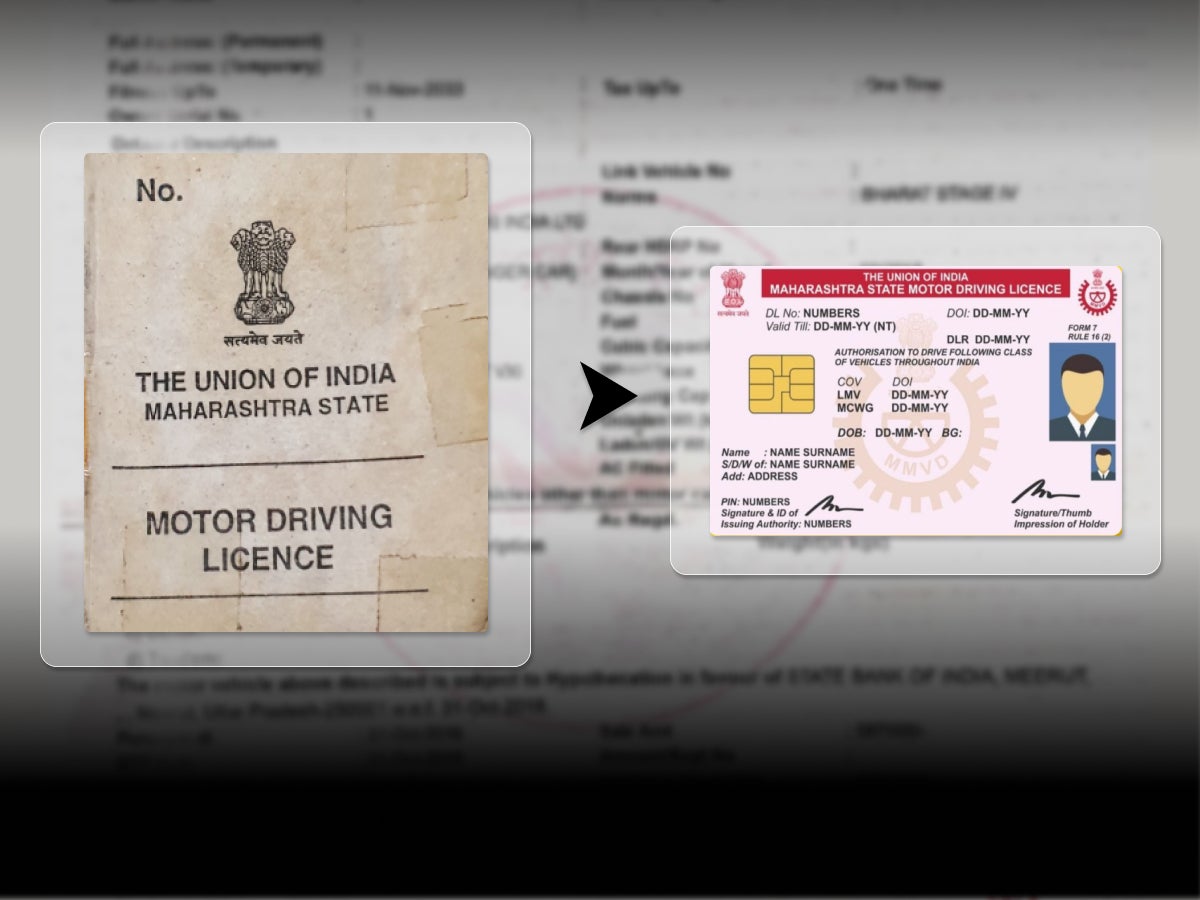
- Printed temporary LL: Most RTOs issue a printed temporary LL at the test centre on the day of an in-person test. This printed document is valid for 30 days while the smart card is produced.
Physical smart card by post: Dispatched within 7 to 21 working days to your registered address.
Between the Test and the Smart Card
Print the application acknowledgement from the Sarathi portal immediately after passing. It contains your application number and LL details and serves as interim proof of your LL status if the mParivahan digital LL has not yet appeared or if you are presenting documents at an RTO for the permanent DL application.
Frequently Asked Questions
Expand all