How to Download Your Driving Licence Online in Kerala in 2026: A Step-by-Step Guide
- 1Kerala digital driving licences carry the same legal weight as physical cards.
- 2Secure your Kerala DL instantly via DigiLocker or the mParivahan application.
- 3Avoid AI-camera fines by using official apps; simple screenshots are invalid.
- Methods for a DL Download in Kerala
- Using Your Downloaded Kerala Driving Licence: What You Need to Know
- Prerequisites: What You Need Before You Start
- Method 1: Download Driving Licence in Kerala via Parivahan Sewa
- Method 2: DL Download in Kerala via DigiLocker
- Method 3: Activating a Virtual DL on mParivahan
- The Cost of Non-Compliance: Kerala's Traffic Enforcement
- Troubleshooting Digital Roadblocks
- Kerala RTO Contact Directory
Kerala has long championed digital literacy, and in 2026, the state’s transport sector is a prime example of this tech-first approach. The days of making multiple trips to the local transport office just to retrieve a lost document are over. Navigating a download driving licence Kerala request is now a frictionless, contactless process that takes mere minutes from your smartphone or laptop.
The Kerala Motor Vehicles Department (MVD) is fully synced with the national Sarathi ecosystem. This means every Kerala RTO driving licence is backed by a secure, cloud-based central database, giving you the power to pull your official records instantly without relying on agents.
Methods for a DL Download in Kerala
Before you begin, decide which platform best suits your immediate needs. The department offers three official routes:
| Platform | Best Used For | Login Requirement | Final Format |
| DigiLocker App | Quick, verified offline access during MVD traffic checks. | Mobile number / Aadhaar | App View & Save |
| mParivahan App | Daily commuters needing a virtual backup with a scannable QR. | Mobile number & OTP | In-App Dashboard & QR |
| Parivahan Website | Official submissions requiring a Kerala DL download PDF. | Mobile number & OTP | Downloadable/Printable PDF |
Using Your Downloaded Kerala Driving Licence: What You Need to Know
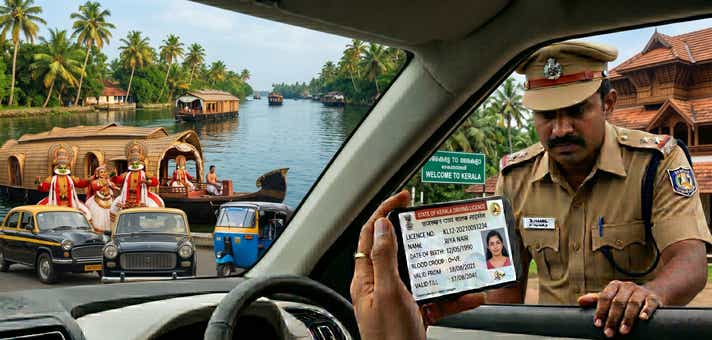
Yes, traffic authorities have the right to verify your driving credentials, but that doesn’t mean you are required to hand over a physical smart card. Under the Information Technology Act of 2000, a digital document fetched via a government-authorised platform carries the exact same legal weight as the physical card issued by the MVD.
Where It Works:
- MVD & Police Checks: Fully accepted by Kerala Police during routine stops across the state.
- Travel & Identity Verification: Serves as a valid government ID for domestic flights out of Trivandrum, Kochi, or Calicut airports, and for hotel check-ins.
Vehicle Rentals: Widely accepted by agencies if you are renting a bike in Varkala or booking a self-drive car for Munnar.
When It Is Invalid:
- Phone Gallery Screenshots: Taking a photo of your licence or carrying a simple PDF screenshot is legally invalid during a traffic stop. You must present the document live within the authorised app.
- Suspended Licences: If the transport department revokes your driving privileges for severe violations (like drunk driving), the digital central database updates in real-time, rendering your virtual DL invalid instantly.
- International Driving: If you need an International Driving Permit (IDP) to drive abroad, you must present the physical smart card.
Prerequisites: What You Need Before You Start
To avoid timeout errors, ensure you have these details ready:
- Driving Licence Number: Must be entered in the exact Kerala format (e.g., KLXX YYYYNNNNNNN).
- Application Number: Essential if you are pulling a newly issued or renewed licence from the central portal.
- Registered Mobile Number: You must have access to the phone number linked to your RTO profile to receive the verification OTP.
- Date of Birth: Must match the exact date on your original application.
Aadhaar Number: Required only if you are using DigiLocker to fetch your records.
Method 1: Download Driving Licence in Kerala via Parivahan Sewa
If you need a formal document to print for HR verification or a vehicle purchase, the DL download Kerala official method via the central Parivahan portal is your best option.
- Access the Platform: Navigate to the official Sarathi Parivahan website.
- State Selection: On the homepage, click the "Select State Name" dropdown and choose "Kerala." This customises the portal specifically for Kerala MVD services.
- Choose the Service: Hover over the "Driving Licence" tab and click on "Print Driving Licence."
- Enter Your Details - Provide your Application Number and Date of Birth. If you only have your DL number, use the "Search by DL" feature under the Informational Services tab to locate your application details first.
- OTP Authentication: Enter the secure OTP sent to your registered mobile device.
Download and Print: Once verified, your comprehensive licence details will appear. Click "Print" to save your Kerala DL download PDF.
Note: If your licence details aren't appearing yet, your application might still be processing. You can understand how to check your Driving Licence application status in Kerala to see the current stage of your approval.
Method 2: DL Download in Kerala via DigiLocker
DigiLocker seamlessly pulls verified documents directly from the issuing authority, making it a staple for navigating Kerala driving licence online services.
- Log In: Open the DigiLocker app or website and authenticate using your Aadhaar number and 6-digit security PIN.
- Search the Issuer: In the "Search Documents" tab, type "Kerala Transport" or "Ministry of Road Transport."
- Select Document: Click on the "Driving Licence" option.
- Input DL Number: Type in your full Kerala RTO driving licence number without unnecessary spaces.
Provide Consent: Check the consent box and hit "Get Document." The digitally signed file will be permanently saved to your "Issued Documents" folder.
Method 3: Activating a Virtual DL on mParivahan
For a mobile-first approach, the mParivahan app is indispensable. Its offline capability means you can access your DL download Kerala dashboard even if you lose network coverage in the Ghats.
- Install the App: Download mParivahan from the iOS App Store or Google Play Store.
- Register: Create an account using your mobile number and verify it via OTP.
- Navigate to DL: Tap the "DL" tab on the main dashboard.
- Enter Details: Input your driving licence number and Date of Birth.
- Activate: Tap "Add to Dashboard."
- Final Verification: Complete one last OTP verification to securely bind the digital licence to your device.
The Cost of Non-Compliance: Kerala's Traffic Enforcement
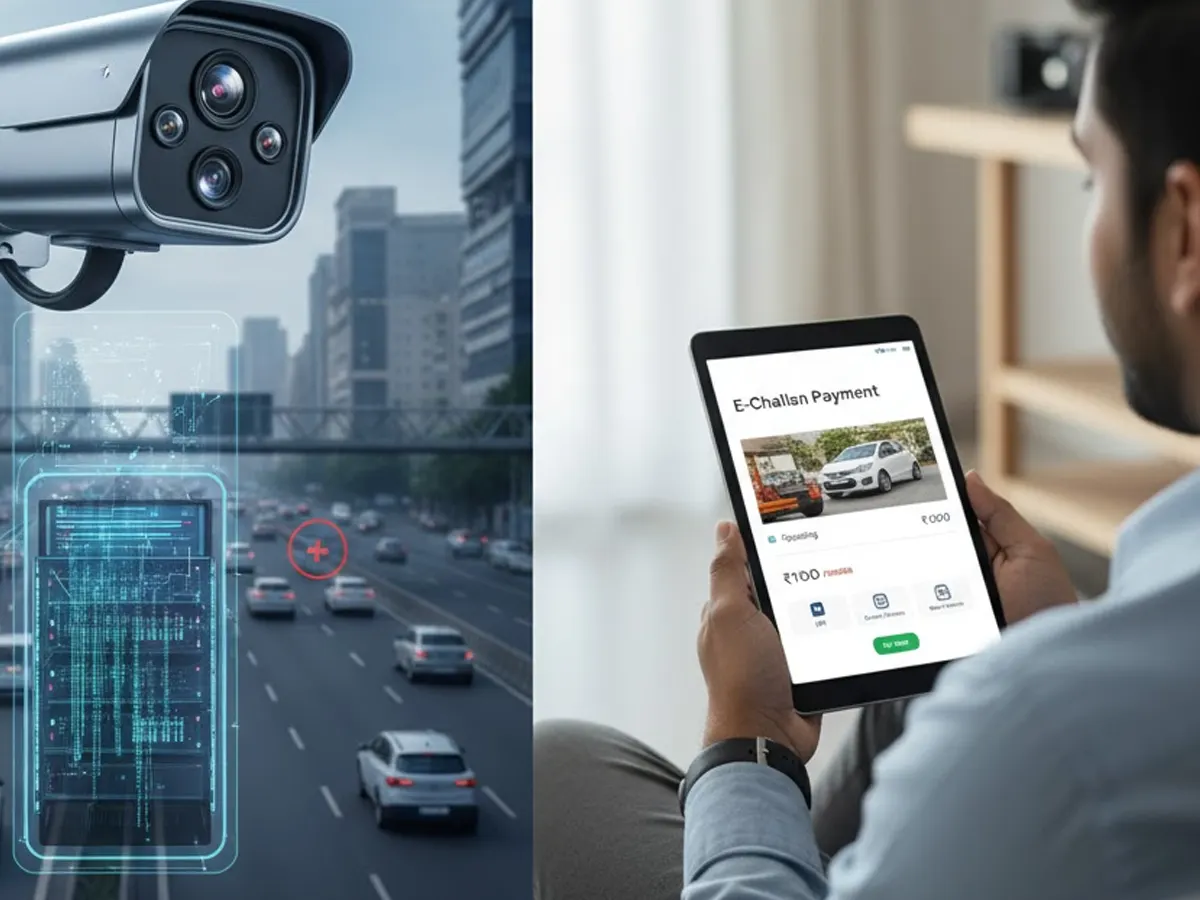
Under the "Safe Kerala" initiative, the state has aggressively deployed AI-enabled Automatic Number Plate Recognition (ANPR) cameras. With Kerala ranking second nationally for traffic violations (recording over 1 crore infractions annually), the automated systems will rapidly flag vehicles registered to suspended or invalid licenses.
Driving without valid credentials propels you to pay Kerala e-Challan under Section 3/181 of the Motor Vehicles (Amendment) Act. Keep your digital backup secure to avoid these automated fines. We highly recommend downloading your driving licence in Kerala today as a proactive measure.
| State | Penalty for Driving Without a Valid Licence | Additional Consequences |
| Kerala | ₹5,000 | Potential 3-month imprisonment for repeat offenders; insurance claim denial. |
| Karnataka | ₹1,000 - ₹5,000 | Fines scale depending on vehicle class (two-wheeler vs. four-wheeler). |
| Delhi | ₹5,000 | Potential vehicle impoundment; up to 3 months imprisonment for severe or repeat cases. |
Troubleshooting Digital Roadblocks
Even state-of-the-art systems have occasional glitches. Here is how to bypass the most common digital hurdles:
1. "Record Not Found" (Licence Not Showing Online)
If you hold an old booklet-style or paper licence issued prior to state-wide digitisation, the cloud database won't recognise your number.
The Fix: Visit the Sarathi portal and apply for a "Backlog Entry." Upload a clear scan of your physical licence so the RTO can manually verify and digitise your file.
2. OTP Failures / Outdated Mobile Number
You cannot complete a secure download without access to the registered phone number.
The Fix: Use the "Update Mobile Number" faceless service on the Parivahan portal. By using Aadhaar authentication, you can overwrite the old number instantly without visiting the MVD.
3. Incorrect Details on the Downloaded PDF
If your digital DL shows a misspelt name or a previous address.
The Fix: Apply for a "Correction in DL" or "Change of Address" via the portal's Faceless services. Upload valid KYC proofs to get the central record amended.
4. Obtaining a Certified Extract
If a standard PDF isn't enough for an international visa or a deep legal verification.
- The Fix: Select "DL Extract" under the portal's "Services on DL" menu. For a nominal fee (₹50–₹100), you can download a certified, comprehensive history of your driving record.
Kerala RTO Contact Directory
If you need technical intervention for an unresolvable data mismatch, contacting your specific issuing RTO is the most direct path to a solution.
Central Helpdesks:
- MVD Toll-Free: 1800-425-1110
- General Enquiry: 0471-2333317
- SSG Cell (Tech Support): 0471-2328799
Email: tc.mvd@kerala.gov.in
Major Kerala RTO Locations:
| RTO Code | City / Location | Address |
| KL-01 | Thiruvananthapuram | 1st Floor, Transport Bhavan, East Fort - 695023 |
| KL-02 | Kollam | Civil Station, Kollam - 691013 |
| KL-03 | Pathanamthitta | Stadium Junction, Kaipatoor Pathanamthitta Road - 689645 |
| KL-04 | Alappuzha | Civil Station, Alappuzha - 688001 |
| KL-05 | Kottayam | 3rd Floor, Collectorate Building, Kottayam - 686002 |
| KL-07 | Ernakulam (Kakkanad) | 2nd Floor, Civil Station, Kakkanad, Kochi - 682030 |
| KL-08 | Thrissur | Civil Station, Ayyanthole, Thrissur - 680003 |
| KL-09 | Palakkad | Civil Station, Palakkad - 678001 |
| KL-10 | Malappuram | Civil Station, Up Hill Post, Malappuram - 676505 |
| KL-11 | Kozhikode | Ground Floor, Civil Station, Kozhikode - 673020 |
| KL-12 | Wayanad (Kalpetta) | Civil Station, Kalpetta, Wayanad - 673121 |
| KL-13 | Kannur | Civil Station, Kannur - 670002 |
| KL-14 | Kasaragod | Civil Station, Vidya Nagar, Kasaragod - 671123 |
| KL-15 | KSRTC (Statewide) | Transport Bhavan, Thiruvananthapuram - 695023 |
| KL-17 | Muvattupuzha | Mini Civil Station, Muvattupuzha - 686661 |
| KL-18 | Vadakara | Mini Civil Station, Vadakara, Kozhikode - 673101 |
Frequently Asked Questions
Expand all