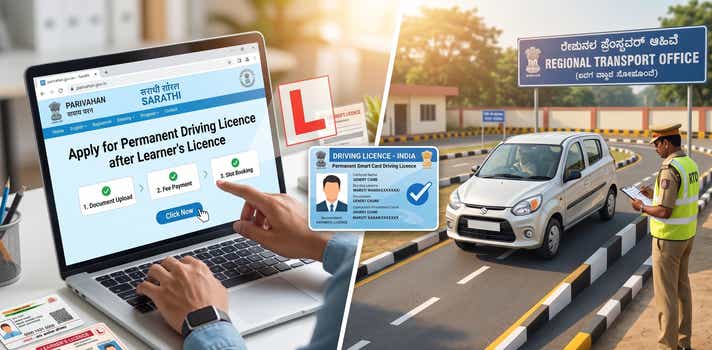
Guide to Get a Permanent Driving Licence After Learner's Licence (Online)
- 1Know the exact 30-day rule before applying for your permanent DL
- 2Fix zero slot booking issues on Parivahan with practical workarounds
- 3Use DigiLocker while waiting for your physical driving licence card
- When are You Eligible to get a Permanent Driving Licence?
- Can I convert an LL to a Permanent DL Entirely Online?
- Documents You Need Before Starting the Online Application
- Step-by-Step: Permanent Driving Licence After Learner's Licence
- The DL Driving Test: What Is Actually Being Evaluated
- Parivahan DL Slot Booking Problem: What to Do When There Are Zero Test Slots
- What to Do If Your Learner’s Licence Expires Before the Driving Test
- What Happens If You Fail the DL Test?
- The Physical Driving Licence Smart Card: Expect Delays and Plan Around Them
- State-by-State Reality: How the Process Varies
You have the Learner’s Licence. You have been putting in the hours, early mornings in empty car parks, practising hill starts on that one slope near your neighbourhood, convincing family members to sit in the passenger seat one more time. And now you are ready to convert that Learner’s Licence into a permanent driving licence and finally be done with it.
This guide covers the real LL to DL waiting period rules, the Parivahan portal steps exactly as they appear, what to do when the slot booking system shows zero availability (which happens constantly in cities), and the truth about the physical smart card, including why you should not wait for it to arrive before you start driving. Let’s have an in-depth look at getting a permanent driving licence after a learner’s licence, and also, whether you can get the process done online.
When are You Eligible to get a Permanent Driving Licence?
The LL to DL waiting period is fixed at a minimum of 30 days from the date your Learner’s Licence was issued. If you try to submit your permanent DL application before that 30-day mark, the system rejects it with an eligibility error, and you cannot proceed until the date condition is met.
The flip side of this rule is the 180-day ceiling. Your LL expires 180 days from issue, regardless of whether you have used all 180 days or none of them. That gives you a 150-day window between the earliest you can apply (Day 30) and the latest your LL remains valid (Day 180). Use it.
| LL to DL: Your 180-Day Window at a Glance | |||
| Milestone | When | What Happens | Action Needed |
| LL Issued | Day 1 | Your 180-day clock starts. Display the ‘L’ board and practise with a licensed co-passenger. | Start practising |
| Application Window Opens | Day 30 | Sarathi portal unlocks DL application. The earliest you can submit and pay the fee. | Apply online |
| Test Booking Window | Day 30 to Day 160 | Book your RTO driving test slot. Do not leave this until the final week; slots fill fast in cities. | Book early |
| HARD DEADLINE | Day 180 | LL expires. Miss this and your LL becomes invalid. You must reapply from scratch. | Do not miss |
Note: While you hold a Learner’s Licence and are practising for your permanent DL test, two rules apply at all times and traffic police enforce them:
- Display the red ‘L’ board on the front and rear of the vehicle. This is mandatory under Rule 3 of the Central Motor Vehicles Rules. A missing L board is an on-the-spot fine, and in some states, it can lead to your LL being flagged.
Always have a licensed co-passenger. You cannot drive on an LL alone. A person holding a valid permanent driving licence for the same vehicle class must be seated next to you during every practice session. Driving solo on an LL is treated as driving without a licence.
Can I convert an LL to a Permanent DL Entirely Online?
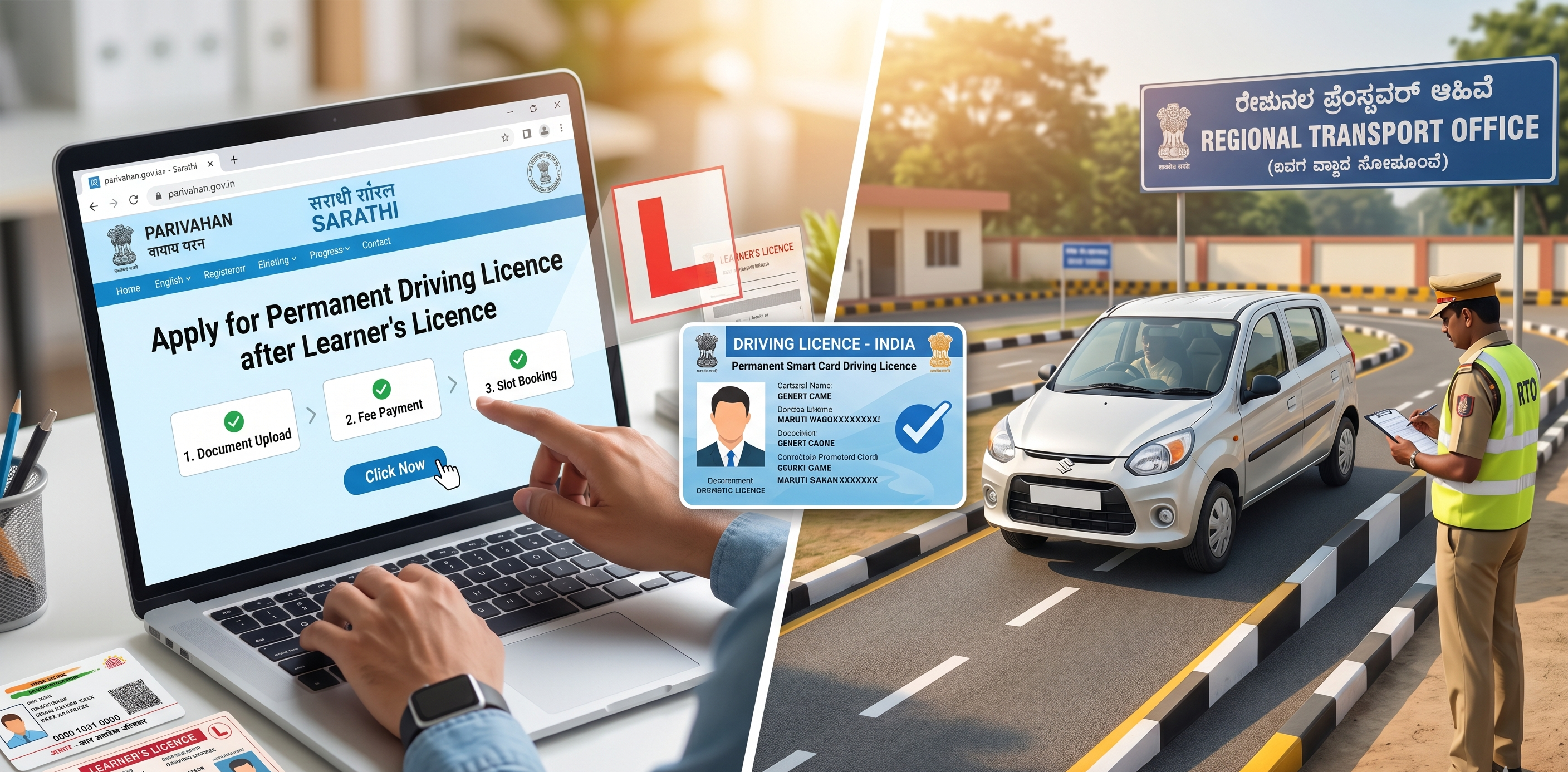
Mostly, yes. The application submission, document upload, fee payment, and test slot booking are all handled through the Sarathi portal at parivahan.gov.in. The only step that requires physical presence is the driving test itself at the RTO.
A handful of states still require original document verification at the RTO counter before the test date. The portal will flag this during your application if it applies to your state. In the majority of cases, particularly across Delhi, Maharashtra, Karnataka, Tamil Nadu, and Telangana, the process is fully digital up to test day.
Documents You Need Before Starting the Online Application
Have everything listed below ready and scanned before you open the portal. Session time-outs and incomplete uploads will send you back to square one.
- Learner’s Licence number: Issued at least 30 days ago and within the 180-day validity window
- Age proof: Fastest option is a mobile-linked Aadhaar; also accepted: Passport, Birth Certificate, Class 10 marksheet
- Address proof: Aadhaar (fastest), Voter ID, or a utility bill from the last three months
- Passport-size photograph: Recent, white background, clear face; taken within the last three months
- Form 1: Medical Self-Declaration, filled directly on the portal during the application process; no separate download needed
- Form 1A: Required only for transport or commercial vehicle classes; must be signed by a registered medical practitioner and uploaded as a PDF
- Original LL card: Carry this to the test; it is checked physically by the RTO officer on the day
Step-by-Step: Permanent Driving Licence After Learner's Licence
Here is every step of the online application with the exact navigation path shown as it appears on the Sarathi portal:
| Parivahan Portal: Exact Steps and Menu Clicks | ||
| Portal Navigation | What to Do | |
| 1 | parivahan.gov.in → Online Services → Driving Licence Related Services | Select your state. Log in with the Parivahan credentials you created during your LL application. |
| 2 | DL Services → Apply for Driving Licence | Enter your LL number and date of birth. The portal auto-fetches your LL record. |
| 3 | Eligibility Check (Automatic) | The system verifies a 30-day minimum holding period, LL validity, and vehicle classes on your LL. If any condition fails, it shows the specific reason. |
| 4 | Applicant Details tab | Review the pre-filled personal details from your LL record. Fill in any missing fields: blood group, current contact number, and updated address if relocated. |
| 5 | Vehicle Class Selection | Choose the class(es) you want on the permanent DL. Only classes listed on your LL are available here. |
| 6 | Medical Declaration tab | Fill in Form 1 online. Upload Form 1A (signed by a doctor) only if applying for transport or commercial vehicle endorsements. |
| 7 | Upload Documents tab | Upload age proof, address proof, and your passport-size photo. Files must be JPG or PDF, typically under 200 KB each. |
| 8 | Fee Payment tab | Review the calculated fee (₹300–₹600 for LMV). Pay via UPI, net banking, or debit/credit card. Screenshot or save the receipt. |
| 9 | Slot Booking tab - Schedule Driving Test | Select your preferred RTO and a test date. If your preferred RTO shows no availability, see the workaround section below before giving up. |
| 10 | Test Day | Carry original LL, application acknowledgement, and a photo ID. Arrive 20–30 minutes early. |
The DL Driving Test: What Is Actually Being Evaluated
The permanent DL driving test assesses whether you can operate a vehicle safely and predictably in real conditions. What gets marked, in order of how frequently it determines outcomes:
- Vehicle control: Smooth start, gear shifts, braking
- Road positioning: Correct lane usage, distance from kerb
- Traffic sign compliance: Stopping at red lights, yielding at junctions
- Manoeuvres: Reversing, turning, parking (varies by RTO and state)
- Signals and mirrors: Using indicators and checking mirrors before changing direction
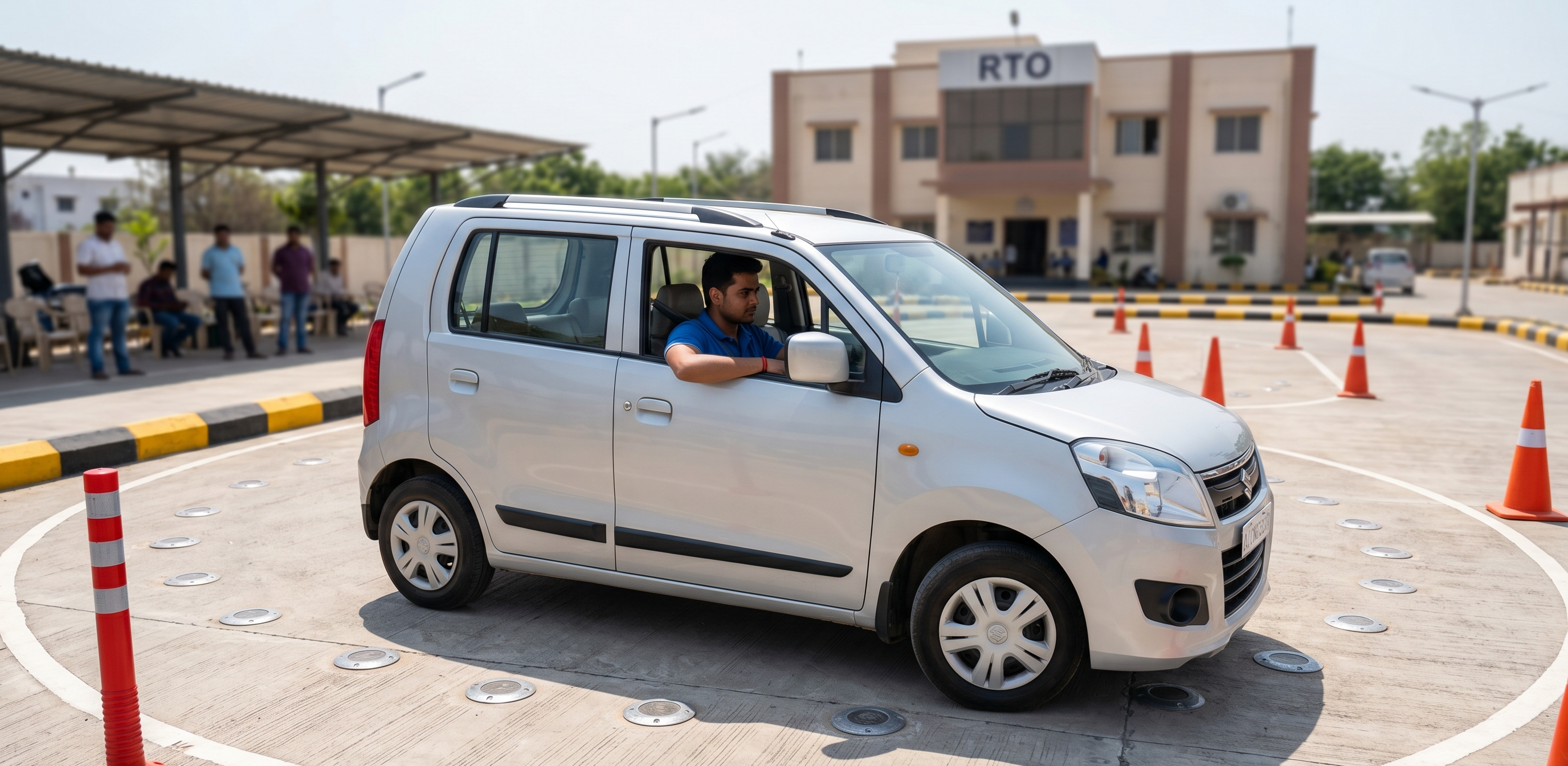
In states with automated test tracks, the process is standardised and objective, sensors detect lane crossing, signal violations, and unsafe braking. Prepare by practising specifically at the type of track used by your RTO.
Parivahan DL Slot Booking Problem: What to Do When There Are Zero Test Slots
This is the most frustrating part of the LL to DL process for anyone living in a metro. You finish your application, reach the slot booking page, and the calendar is entirely blocked out. No slots at your preferred RTO.
The problem is real: high-volume RTOs in Delhi NCR, Mumbai, Pune, Bengaluru, and Hyderabad operate at maximum testing capacity for months at a stretch, particularly between October and March. Here is what actually helps:
Check at Midnight or 5 AM
New test slots are released by the Sarathi system typically between 11 PM and 6 AM. Most applicants check during daytime or working hours and find nothing. Set a recurring alarm for 11:30 PM or 5:00 AM, open the slot booking page immediately when it loads, and be ready to confirm within seconds.
Check Alternate RTOs Within Your Jurisdiction
Your driving test does not have to happen at the RTO closest to your home. You can select any RTO within your state, and often within neighbouring districts. Smaller or semi-urban RTOs within reasonable driving distance frequently have availability when city RTOs are saturated.
Check on Weekdays, Not Weekends
Cancellations from other applicants are more likely to create mid-week openings than weekend openings, since many people who booked tests cancel due to work schedules. Check Tuesday through Thursday for newly available slots from cancellations.
Use a Different Browser or Clear Cache
The Sarathi portal has known session-caching issues that can display an outdated availability view. If you have checked the page before and it showed nothing, clear your browser cache or try a different browser before each new check.
What to Do If Your Learner’s Licence Expires Before the Driving Test
This happens more often than it should, usually because applicants underestimate how difficult slot availability can be in cities or simply lose track of the 180-day window.
The position is straightforward and unforgiving: you cannot sit the permanent DL driving test with an expired Learner’s Licence. The RTO will not allow it, and the Sarathi portal will block your application status once the LL expiry date passes.
What you must do:
1. Apply for a fresh Learner’s Licence at parivahan.gov.in under DL Services > Apply for Learner’s Licence
2. Pass the LL theory test again
3. Wait the mandatory 30-day LL holding period again
4. Then reapply for the permanent DL, re-upload documents, and rebook the test slot
What Happens If You Fail the DL Test?
A failed driving test is disappointing, but it is recoverable.
- You are eligible to rebook after a minimum of 7 days from the failure date
- There is no cap on the number of attempts, provided your LL remains valid
- Each reattempt requires a fresh test booking and a nominal re-test fee (approximately ₹50 to ₹150, depending on the state)
Your paid application fee from the original submission is not lost; only the test re-booking carries an additional charge in most states
The Physical Driving Licence Smart Card: Expect Delays and Plan Around Them
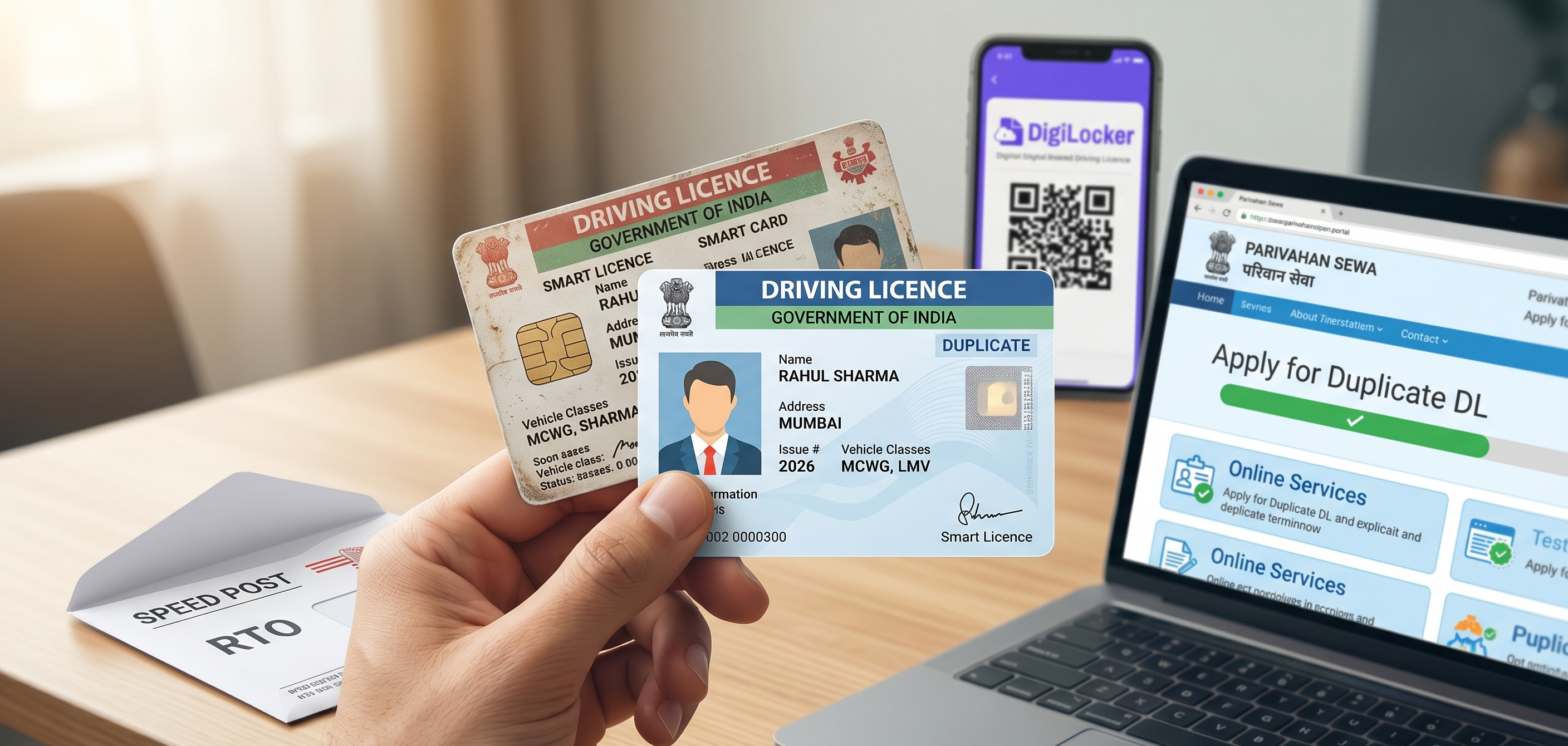
The Sarathi portal and many official sources quote a delivery timeline of 7 to 30 working days for the physical DL smart card after passing the test. In practice, delivery times across many Indian states regularly stretch to 60, 90, or even 120 days, and some applicants have waited longer. The primary cause is an intermittent national shortage of the microchip-embedded card stock used for driving licence smart cards, which has affected RTOs across multiple states for extended periods.
Waiting for the physical card before you start driving is not necessary and not advisable. Here is what you should do the day you pass your test:
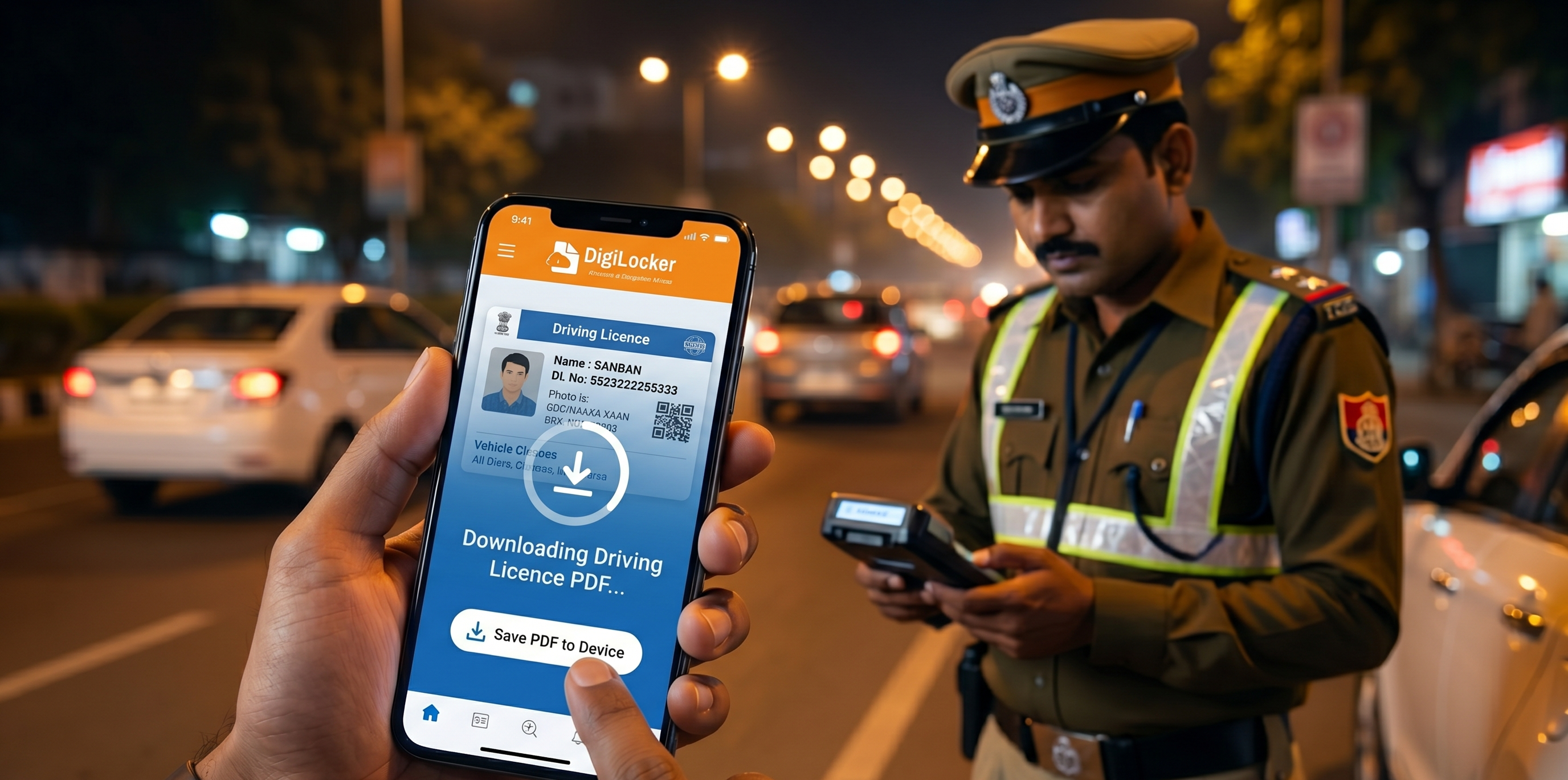
Download Your e-DL via DigiLocker Immediately
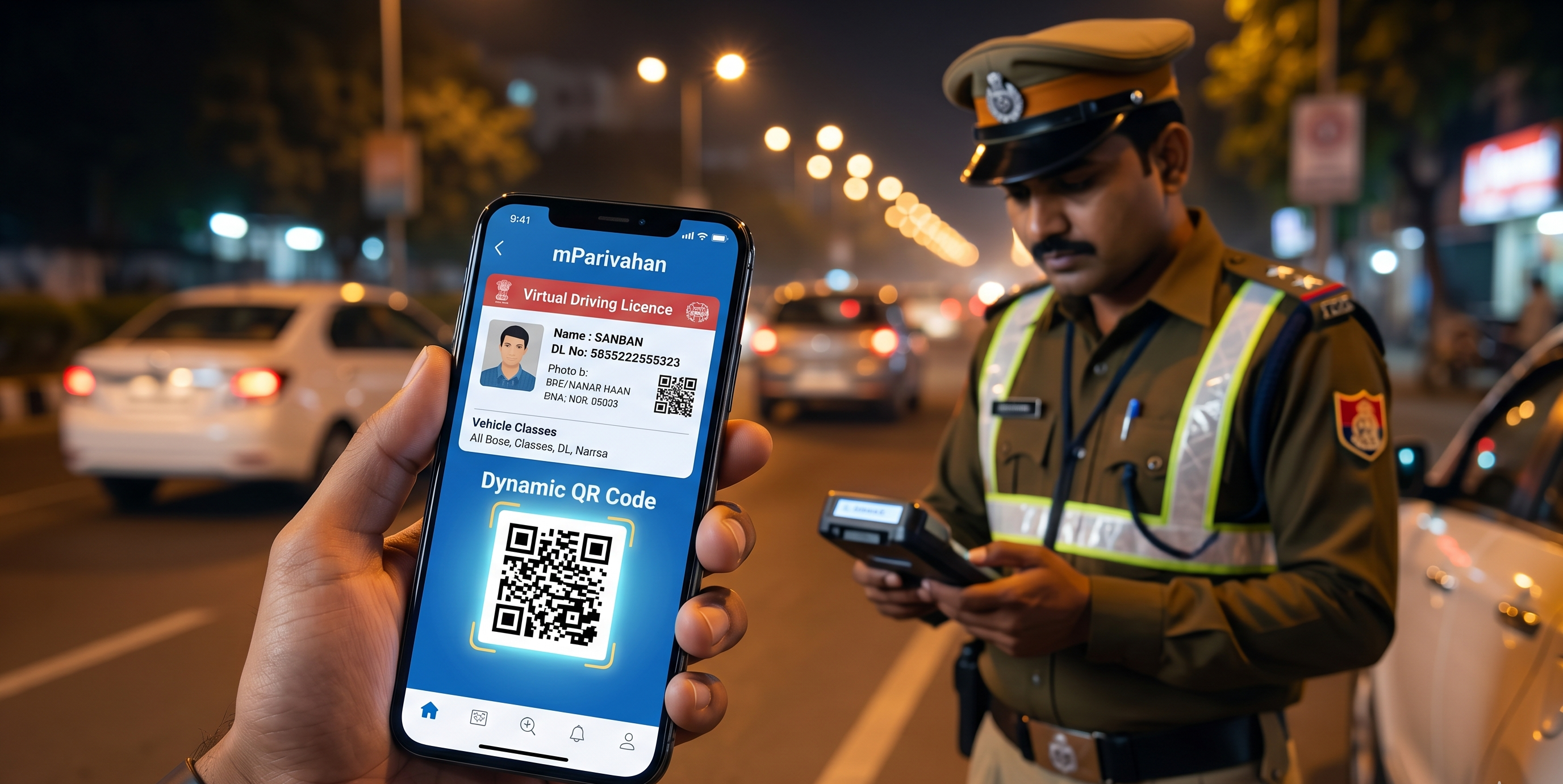
Your driving licence enters the national Sarathi database within 3 to 7 days of passing the test, often sooner. Once it does, you can download it to DigiLocker as a fully legally valid document.
Track Your Driving Licence Smart Card Dispatch Status
Once the smart card is printed and dispatched by Speed Post, you can track the driving licence smart card dispatch status at parivahan.gov.in under Application Status. Enter your application number and date of birth.
Tip: Once you get your permanent licence and start driving independently, it is a good habit to regularly check e-challan status online and avoid unnecessary penalties or legal complications later.
State-by-State Reality: How the Process Varies
The Sarathi portal unifies the process to a large degree, but ground-level differences remain worth knowing.
States With Automated Driving Test Tracks
Delhi NCR, Karnataka (Bengaluru and most district RTOs), Maharashtra, Tamil Nadu, Telangana, Gujarat, and an expanding list of others have transitioned to sensor-based automated track evaluation. The test is objective, immediate in its result, and cannot be influenced by personal rapport with any examiner. Prepare specifically for the track manoeuvres: hill start, 8-figure, S-curve, reverse parking, and parallel parking.
States Requiring Physical Document Verification
Some state portals flag specific applicants for original document verification at the RTO counter before the test date. This is typically triggered by interstate address differences or discrepancies in the uploaded document names. The portal notifies you during the application process, not after.
Smart Card Delivery Timelines by State
Karnataka and Delhi have historically processed and dispatched smart cards within 7 to 15 days for straightforward applications. Maharashtra and Tamil Nadu RTOs often take 20 to 45 days. States with higher backlogs or the chip shortage impacts most acutely can run 60 to 90 days or more. This is precisely why the DigiLocker e-DL is not a backup option; it is your primary DL during the entire wait period.
Frequently Asked Questions
Expand all