How to Get a Duplicate Driving Licence Online in India (2026)
- 1Apply for a duplicate driving licence online without visiting the RTO
- 2Find your lost DL number fast using DigiLocker, challans, or insurance
- 3Fix Parivahan payment pending errors without paying the fee twice
- At a Glance: Duplicate DL Application
- Driving Licence Lost: What to Do First
- What Is a Duplicate Driving Licence?
- Documents Required for a Duplicate DL Application
- Step-by-Step: Applying for a Duplicate DL Online
- Don’t Know Your DL Number? Here’s How to Find It
- Parivahan Payment Deducted But Showing “Pending”: What to Do
- Do I Need to Visit the RTO for Duplicate DL?
- How Long Does It Take to Get the Duplicate Driving Licence?
- Tracking Your Duplicate DL Application on Parivahan
That moment when you reach for your wallet and the driving licence isn’t there is genuinely alarming. Whether it was stolen on a crowded metro, ruined in a monsoon downpour, or simply disappeared between two trips, the reassuring part is that the process of getting a duplicate driving licence in India is entirely manageable, and the bulk of it happens online. You do not need to take a day off to stand at an RTO counter.
This guide walks you through every step: from the FIR you need to file first, to finding your DL number if you don’t remember it, to exactly what to do when the Parivahan portal freezes mid-payment.
At a Glance: Duplicate DL Application
| Time to Apply Online | 15–20 minutes (documents ready) |
| Cost | ₹200 to ₹500 (varies by state and vehicle class) |
| RTO Visit | Usually not required (Maharashtra, Delhi, UP fully online) |
| Mandatory First Step | File an FIR at your nearest police station |
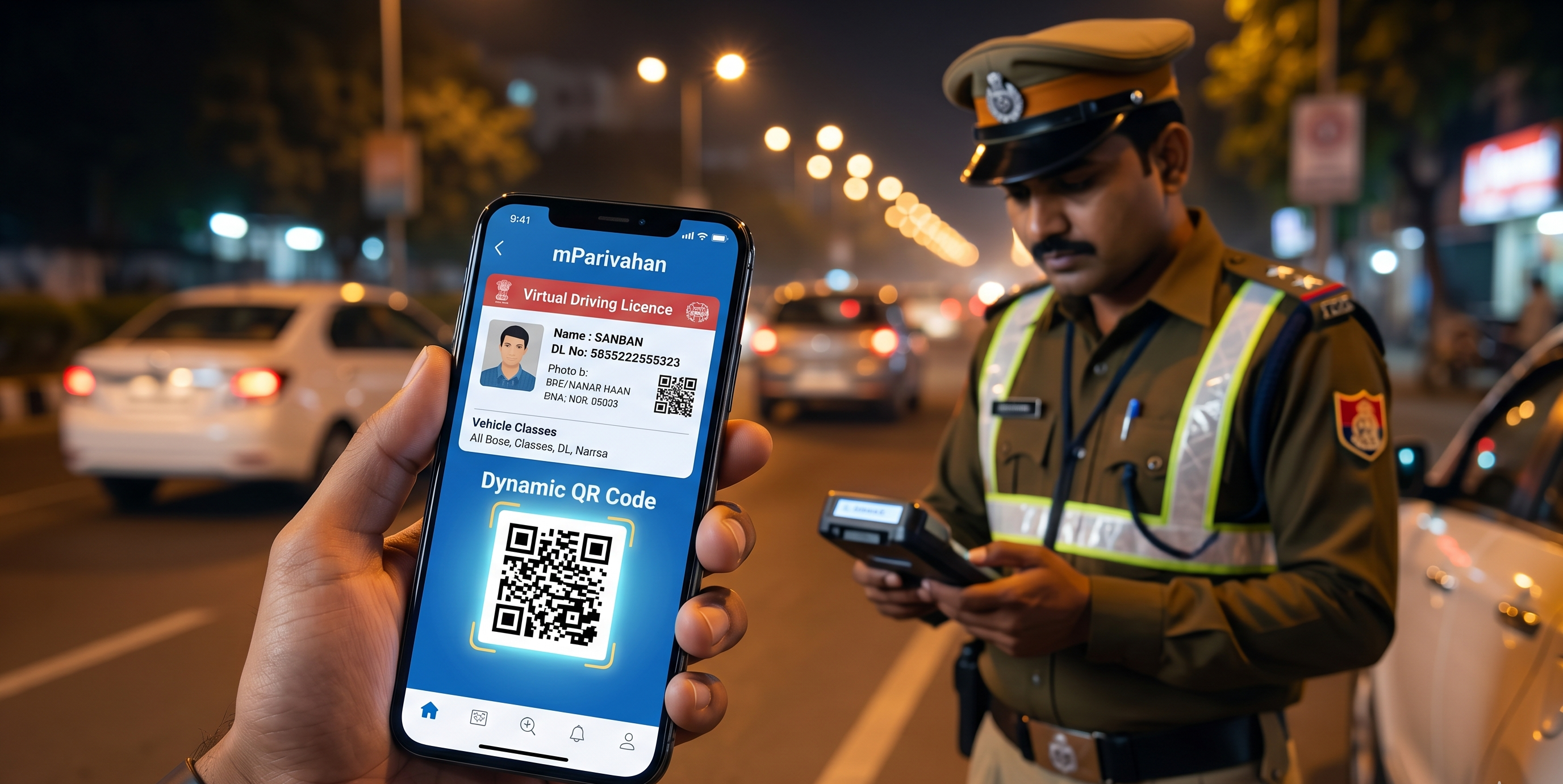
| Instant Driving Proof | DigiLocker or mParivahan digital DL (fully legal) |
| Physical Card Delivery | 7 to 30 working days by Speed Post |
Driving Licence Lost: What to Do First
Before you open any browser tab, go to your nearest police station and file an FIR. Report the licence as lost or stolen, and not misplaced, and ask for the FIR number and a signed copy. This document is a mandatory requirement for most states’ duplicate DL applications, and it officially timestamps when the loss was reported, which matters if the card is misused.
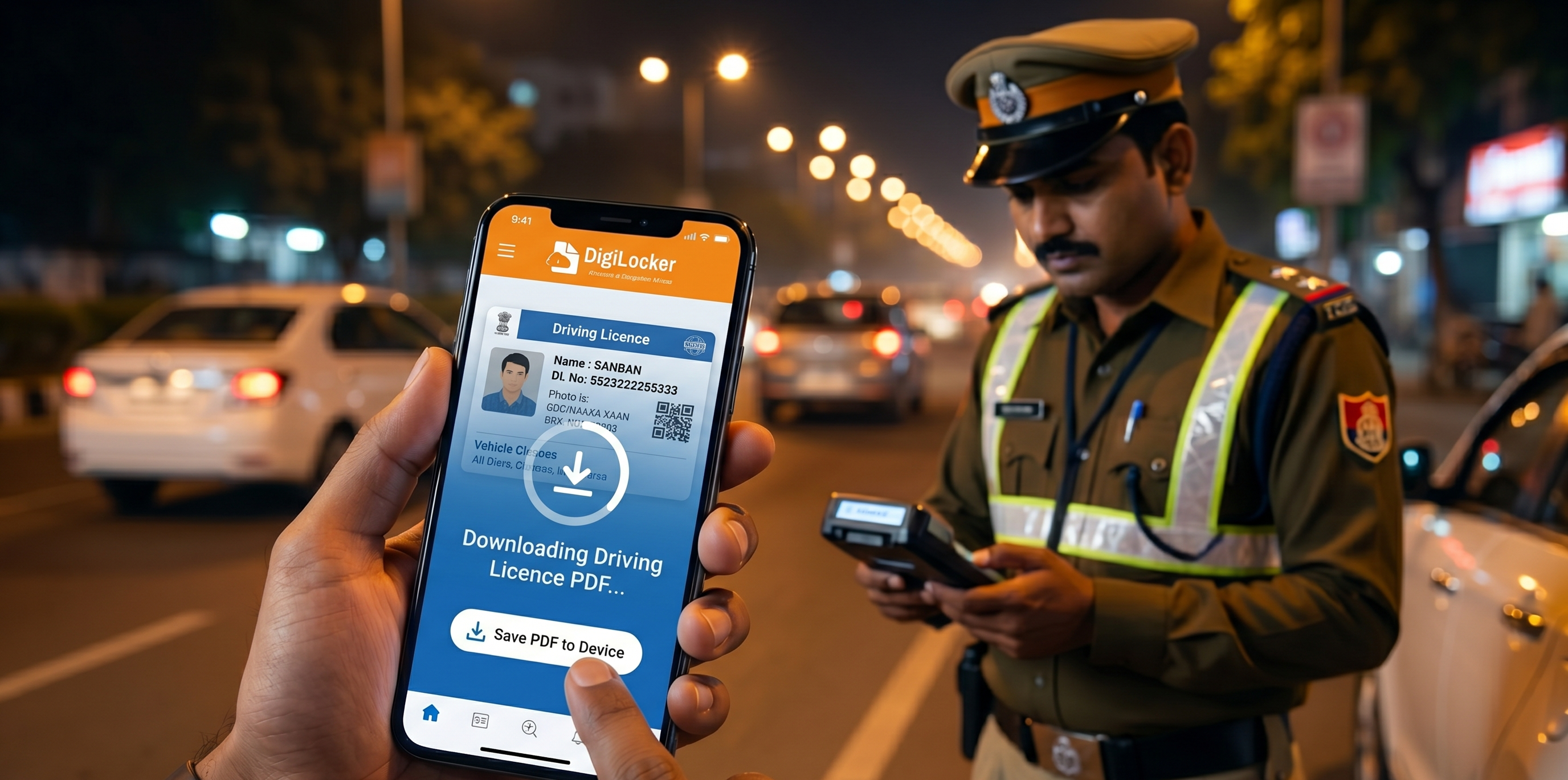
Once the FIR is in hand, solve the immediate problem of driving without a licence by activating your digital DL. Open the DigiLocker app or visit digilocker.gov.in, log in with your Aadhaar-linked mobile number, and pull up your driving licence under Issued Documents. The digital version is fully recognised by the traffic police under the Motor Vehicles Act and does not require a physical card.
That covers the panic. Now for the replacement.
What Is a Duplicate Driving Licence?
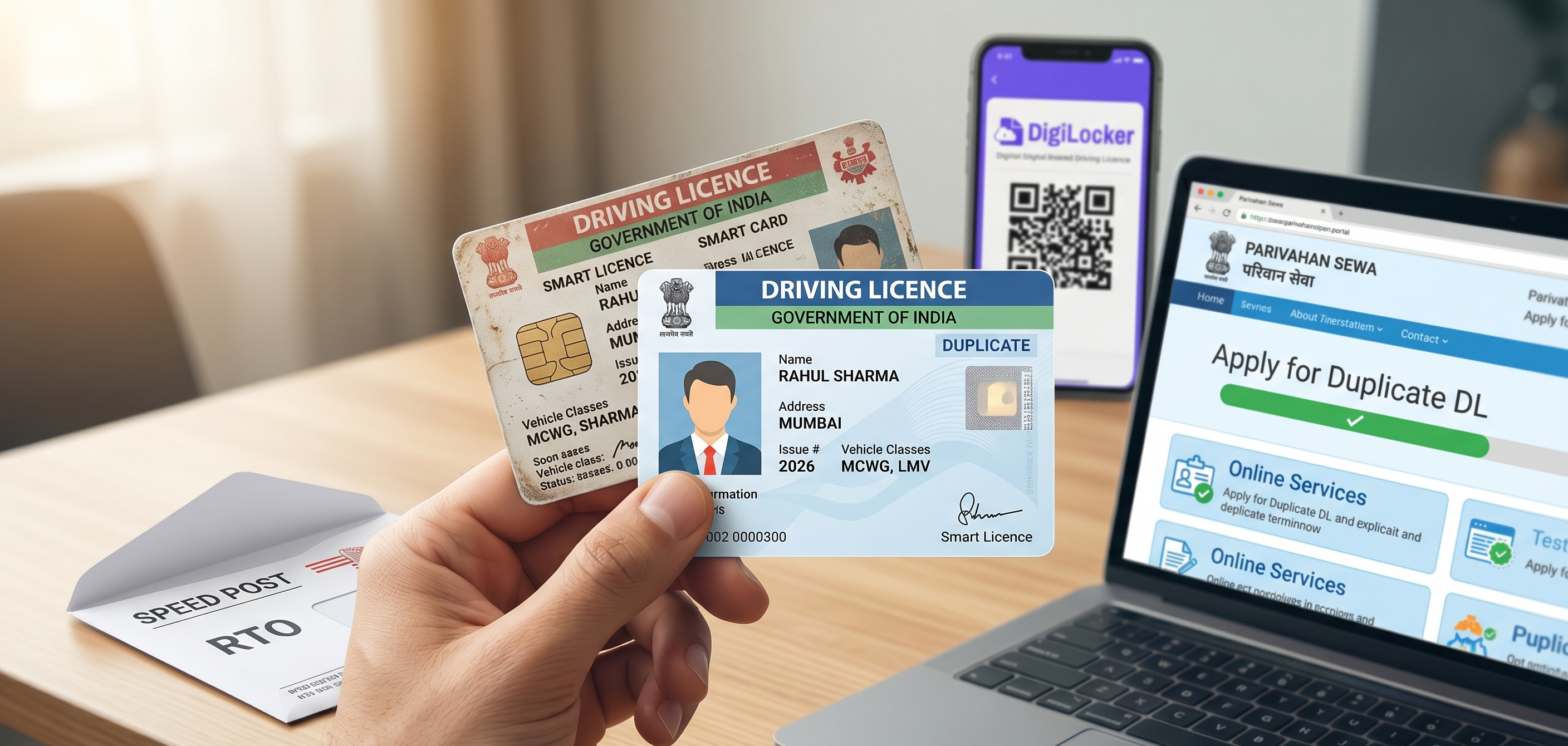
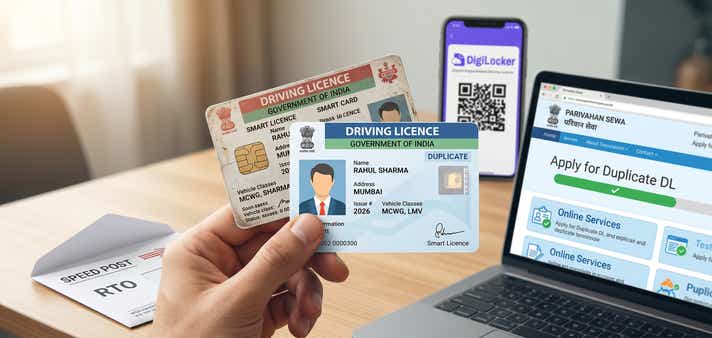
A duplicate DL is a fresh physical smart card issued against your existing record in the Sarathi database. Everything stays the same, including your licence number, your vehicle class authorisations, and your validity expiry date. The only change is that a new card is printed, and your old one is flagged as replaced in the system.
This means applying for a duplicate is not like applying for a fresh licence. There is no test, no waiting period, and no change to your driving history. It is a replacement, nothing more.
Documents Required for a Duplicate DL Application
Here is what you need to gather before you start the online application. Having everything ready means the portal session will not time out on you.
- Form LLD: the dedicated application form for duplicate DL (filled digitally on the Sarathi portal; no separate download required in most states)
- FIR copy: from the police station; mandatory in almost every state
- Notarised affidavit: a self-declaration stating that the original DL is lost and that you have not surrendered it elsewhere (notarised)
- Proof of address
- Proof of age
- Recent passport-size photograph (white background, clear face, taken within the last three months)
- Payment for duplicate DL fees (₹200 to ₹500, depending on state and vehicle class)
- Damaged card: only if you are applying for a damaged DL; submit the original card along with the form
The single fastest document to use for both address and age proof is a mobile-linked Aadhaar. The digital copy from the UIDAI app is accepted on most state portals without needing a physical original:
| Document Type | Fastest Accepted Option | Also Accepted |
| Proof of Address | Aadhaar (mobile-linked):instant digital copy accepted | Voter ID, Passport, utility bill (last 3 months) |
| Proof of Age | Aadhaar (DOB printed on card, mobile-linked) | Birth certificate, Class 10 marksheet, Passport |
Step-by-Step: Applying for a Duplicate DL Online
Step 1: File the FIR
Visit your nearest police station and report the licence as lost or stolen. Collect a signed copy of the FIR and note down the FIR number: you will enter this manually on the portal.
Step 2: Open the Sarathi Portal
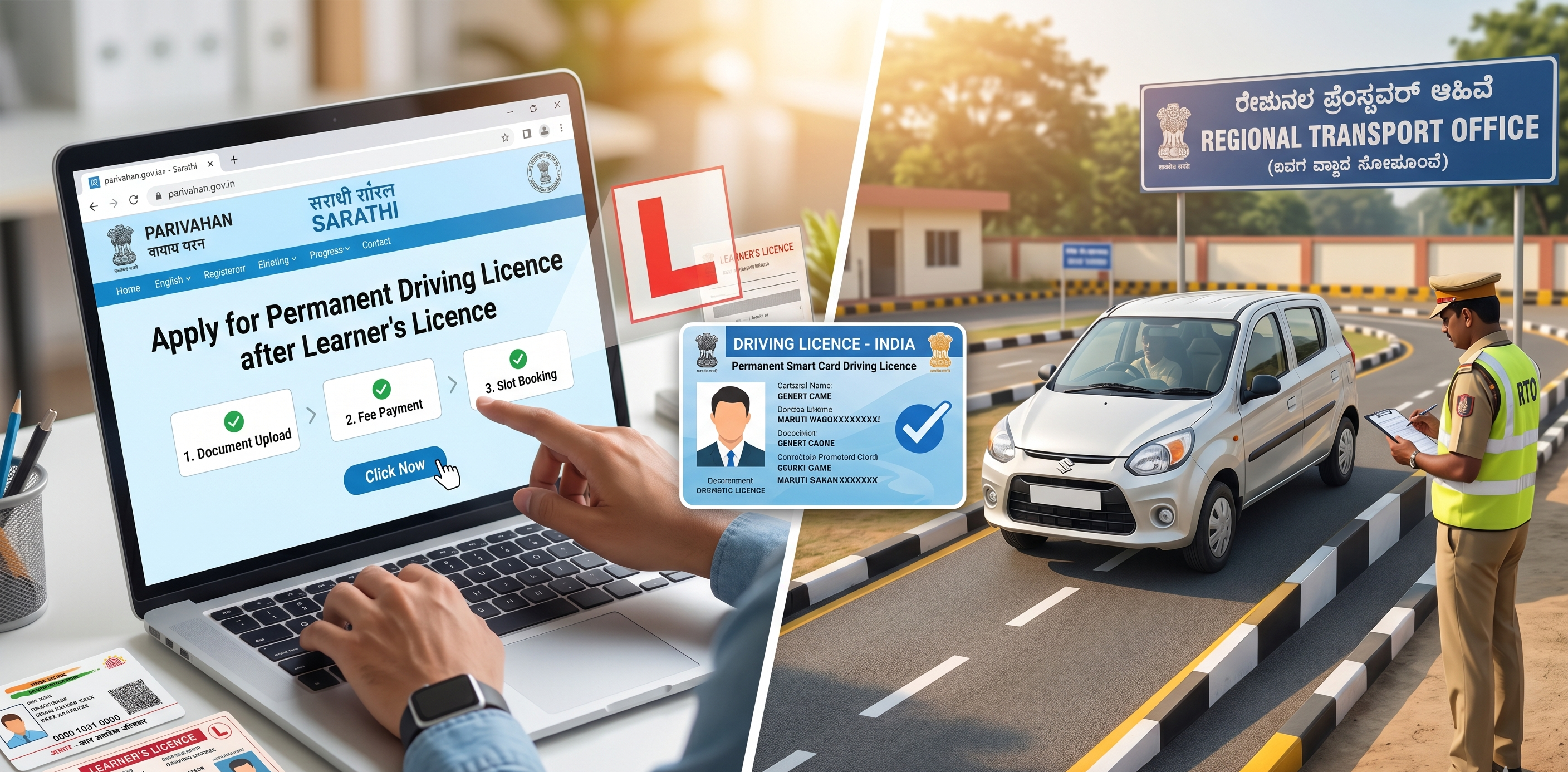
Go to parivahan.gov.in and click on Driving Licence Related Services. Select your state from the dropdown, and you will be routed to the state-specific Sarathi portal.
Step 3: Log In to Your Account
Log in with the mobile number and credentials you used when you first applied for your DL. If you have forgotten them, use the “Forgot Password” option with your registered mobile number. If you never created an account, register now using your mobile number and email linked with your DL.
Step 4: Select “Apply for Duplicate DL”
Under the DL Services menu, find the option labelled Apply for Duplicate DL, Duplicate/Lost DL, or a similar label depending on your state. Selecting it opens Form LLD for duplicate DL automatically.
Step 5: Enter Your Details and FIR Information
Fill in your existing DL number, date of birth, and the reason for applying (lost, stolen, or damaged). Then enter your FIR details: the police station name, FIR number, and the date it was filed.
Step 6: Upload Documents
Upload clear scans or phone photographs of your FIR copy, address proof, age proof, affidavit, and photograph. Each file must be under the portal’s size limit, usually 100KB to 200KB. JPG and PDF are the accepted formats. Compress images beforehand using any free online tool if they are too large.
Step 7: Pay the Duplicate DL Fees
The portal calculates the applicable fee based on your state and vehicle classes. Pay via UPI, net banking, or debit/credit card. Save the payment receipt or take a screenshot immediately after this becomes important if there is a payment status error (see below).
Step 8: Book an RTO Appointment (If Your State Requires It)
Several states prompt you to book an in-person slot for biometric verification or document submission. If this step appears, select a date and time at your convenience. States like Maharashtra, Delhi, and Uttar Pradesh typically do not require this step and allow full online processing.
Step 9: Submit and Note Your Application Number
After submission, you receive an application number. Keep this safe as it is how you track your duplicate DL application status on the Parivahan portal throughout the processing period.
Don’t Know Your DL Number? Here’s How to Find It
One of the most searched questions when someone loses their licence is “how to find a lost driving licence number online.” The good news: there are several reliable ways.
Check Your DigiLocker First
If you have ever added your driving licence to DigiLocker, the number is right there. Open the app, go to Issued Documents, and tap on the DL. The full licence number appears on the digital card. This is the fastest method and takes under two minutes.
Search Your Phone for Old Traffic Challans
Traffic challans issued via the mParivahan system include your DL number in the SMS or email notification. Search your messages for “challan” or “traffic fine”, and you will likely find the number referenced.
Check Your Car Insurance Policy
When you buy or renew vehicle insurance, insurers typically record the primary driver’s licence number on the policy document. Pull up your policy PDF or your insurer’s app, as the DL number is usually listed under the driver details section.
Use the Parivahan Portal to Retrieve It
Go to sarathi.parivahan.gov.in, select your state, and look for the “Find Application Number” or “Know Your Licence Details” option. Enter your name, date of birth, and state to retrieve your DL number. If the portal does not surface it directly, visit the issuing RTO with your Aadhaar as they can look it up in minutes.
Parivahan Payment Deducted But Showing “Pending”: What to Do
This is a common and genuinely frustrating problem. If you search for “Parivahan payment failed duplicate DL” or “Duplicate DL Parivahan payment deducted but not confirmed,” you will find thousands of people who have hit the same wall. Here is how to handle it:
- Wait 30 minutes before doing anything. Payment gateways sometimes lag behind the portal’s update cycle, and the status often corrects itself.
- Check your bank statement or UPI transaction history to confirm whether the money actually left your account.
- If the deduction is confirmed but the portal still shows “Pending” after 24 hours, do not attempt to pay again. Instead, note the payment transaction ID.
- Visit the Sarathi portal’s payment failure or refund section:it is usually under the same DL Services menu:and raise a payment reconciliation request using your application number and transaction ID.
- If no such option is available on the portal, email the Parivahan helpdesk at helpdesk-sarathi@gov.in with your application number, transaction ID, and bank statement screenshot. Refunds or payment confirmations are typically processed within 7 to 10 working days.
- Alternatively, contact the Parivahan helpline at 0120-2459169.
Tip: Never make a second payment before the first one is fully confirmed or refunded. Duplicate payments on government portals can take weeks to sort out.
Do I Need to Visit the RTO for Duplicate DL?
If you are wondering whether you need to physically visit the RTO for a duplicate DL, the answer depends on your state, but the trend is firmly online-first.
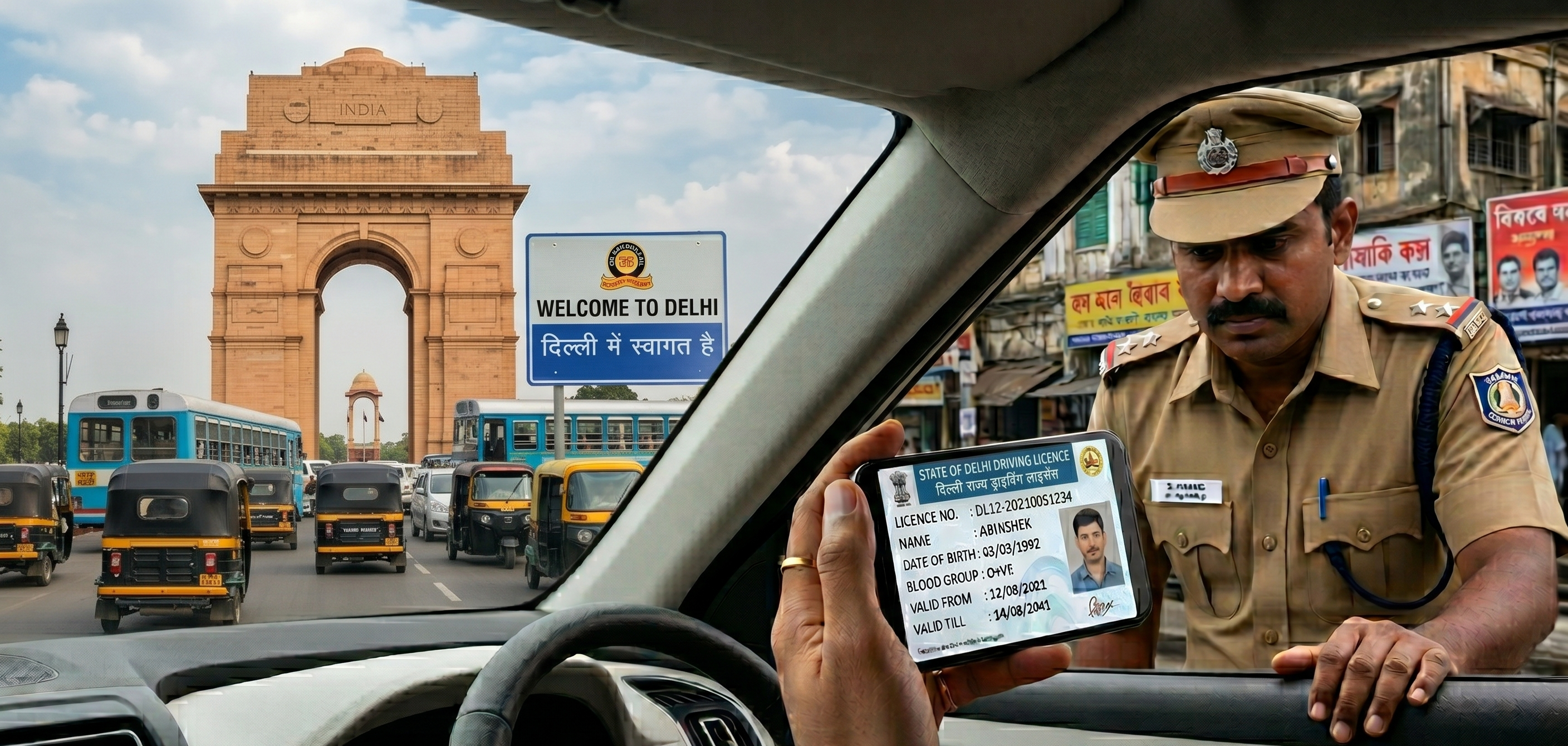
States like Maharashtra, Uttar Pradesh, and Delhi, all allow the complete lost DL replacement process to be done from your phone or laptop. The physical smart card is dispatched by Speed Post to your registered address once approved. You do not need to go to the RTO at any stage unless there is a discrepancy in your records.
Other high-volume states including Karnataka, Tamil Nadu, and Rajasthan have also moved most of the process online, though some may require a brief biometric verification appointment. The Sarathi portal will tell you clearly at the time of application whether an in-person step is needed for your specific RTO.
For applicants in smaller towns or semi-urban areas where the RTO may still prefer in-person submission, the online application still saves significant time: you complete the form, pay the fee, and upload documents in advance, then show up only for verification rather than waiting through the full queue on the day.
How Long Does It Take to Get the Duplicate Driving Licence?
Once you submit online, most states generate a digital acknowledgement immediately. This is not a substitute for the smart card, but it can be used alongside your FIR copy as proof of your pending application.
The physical card typically arrives by Speed Post within 7 to 30 working days, depending on your state and the current RTO workload. During this period, your DigiLocker or mParivahan DL is fully valid for traffic checks, identity verification, and any official purpose that requires a driving licence.
While waiting for your duplicate driving licence to arrive, make sure to check e-challan records linked to your vehicle so that pending fines do not create issues during future verification.
Tracking Your Duplicate DL Application on Parivahan
You can check your application status at any point. Go to parivahan.gov.in, click on Driving Licence Related Services, then select Application Status. Enter your application number and date of birth. The portal shows the current stage: whether documents are under review, whether the smart card has been dispatched, and an estimated delivery timeline if available.
Frequently Asked Questions
Expand all